
 Herakles Herakles mobility tools

Discover our selection of 22 references in Management software (ERP, quotes). Compare ERPs, quoting software, and production tracking tools for the wood trades, then contact suppliers on WoodPartners.
Herakles Herakles mobility tools  Herakles Add-on modules for the Herakles ERP (GPAO)
 Adoc DeviX Quotation Software
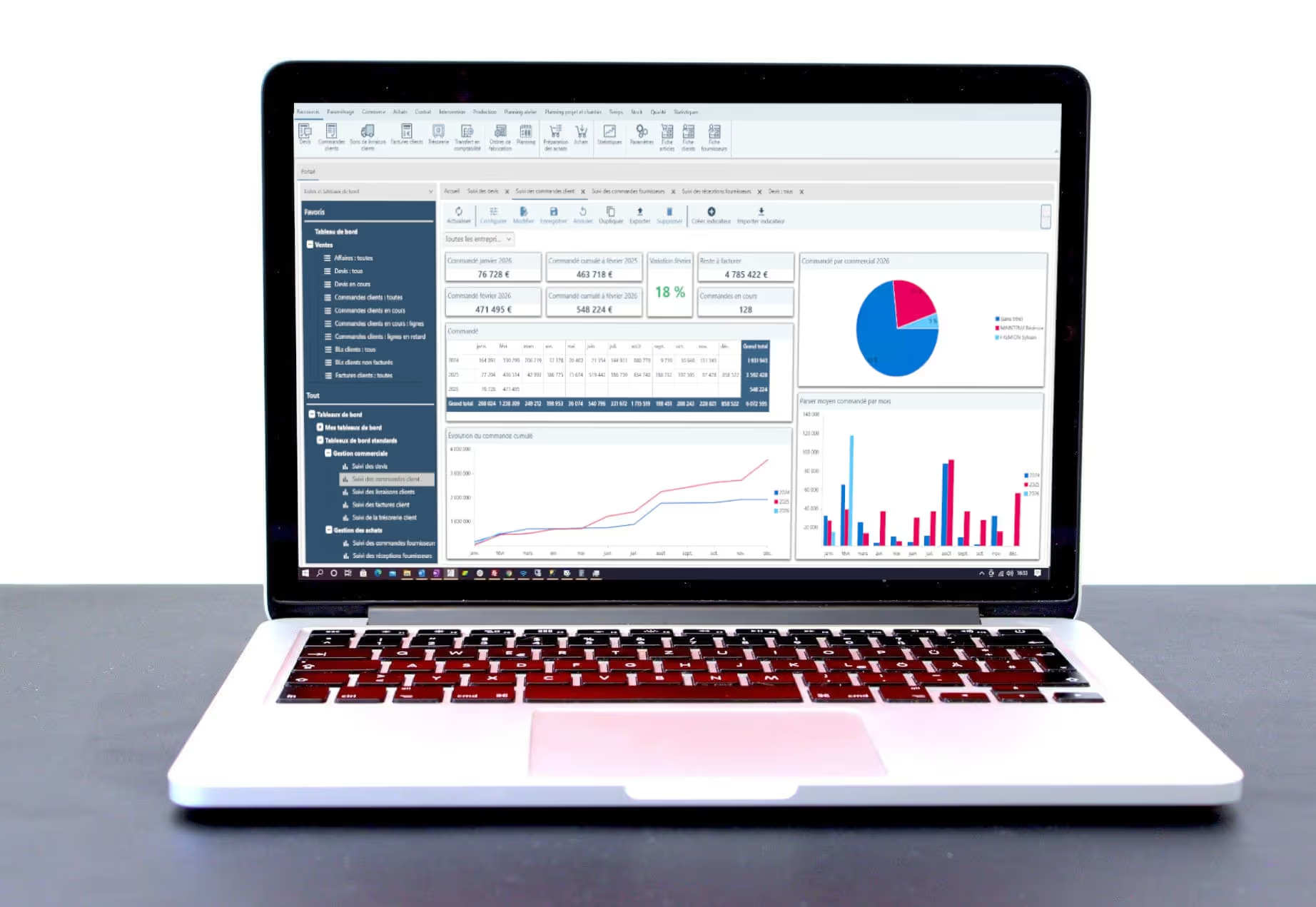 Herakles Herakles ERP (GPAO) software – core pack and main features
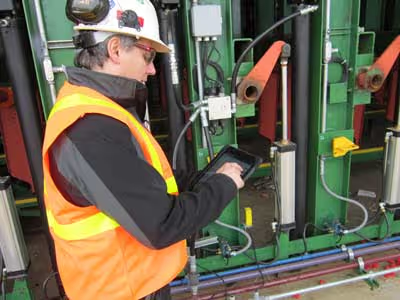
 Usnr “WinTally” for softwood sawmills, USNR

 3E France 3E LOOK joinery ERP software
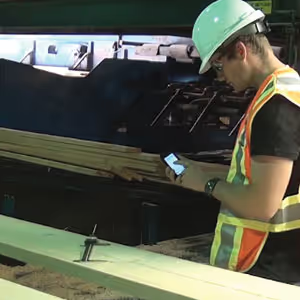 Usnr USNR “MyMill” mobile mill control
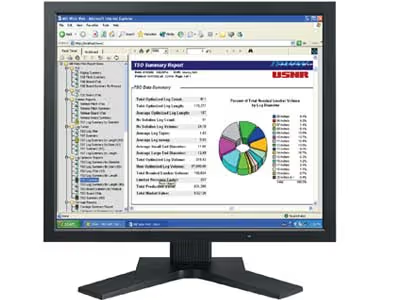 Usnr USNR “Millwide Web” system
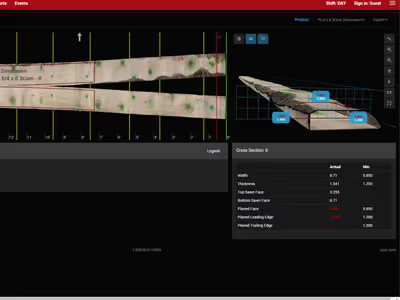 Usnr MyMill Millwide Mobile Automation USNR
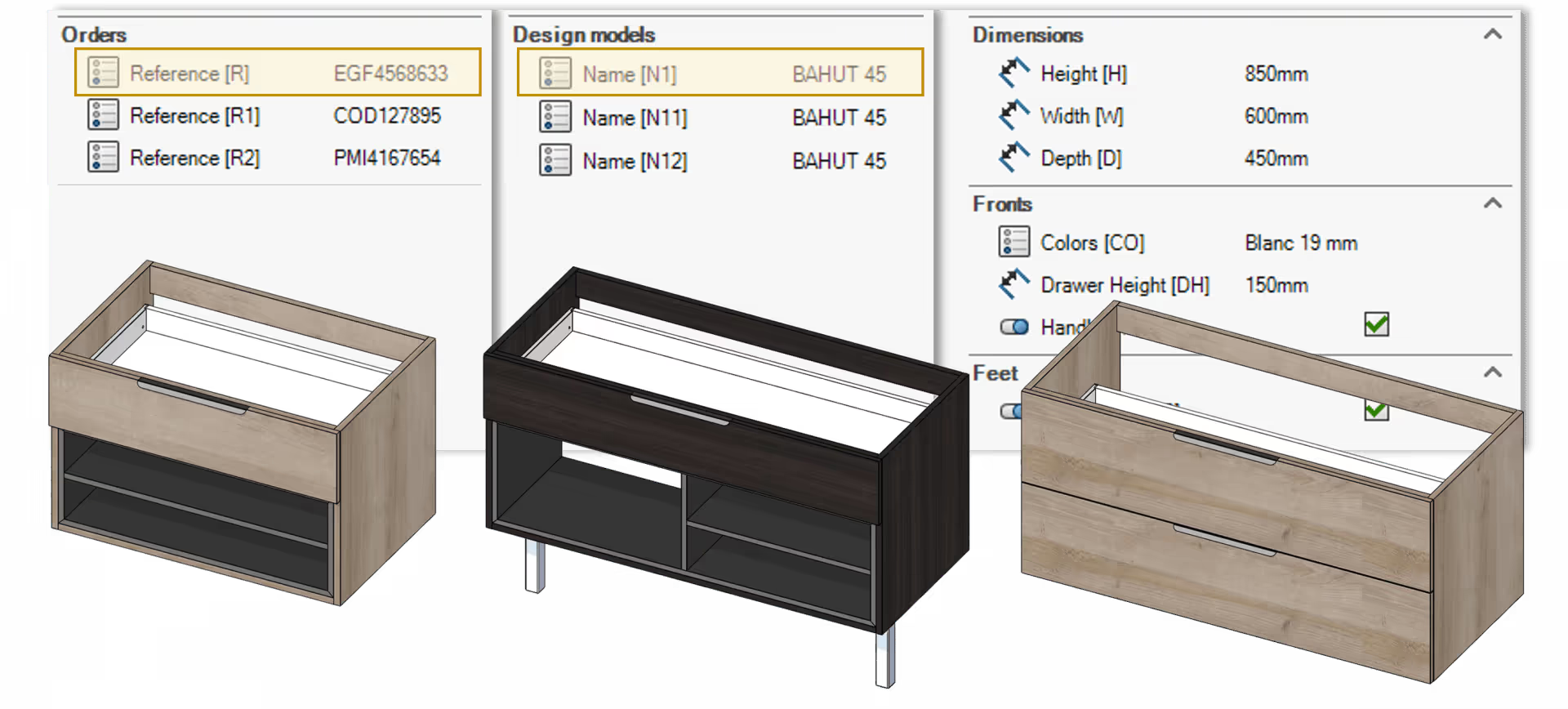
 Eficad SWOOD Center wood automation software
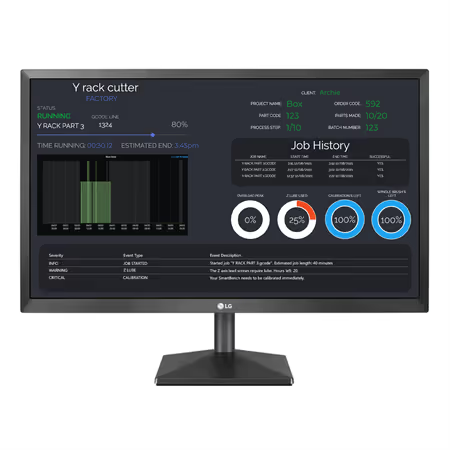
 Yeti Tool SmartManager production management software single licence
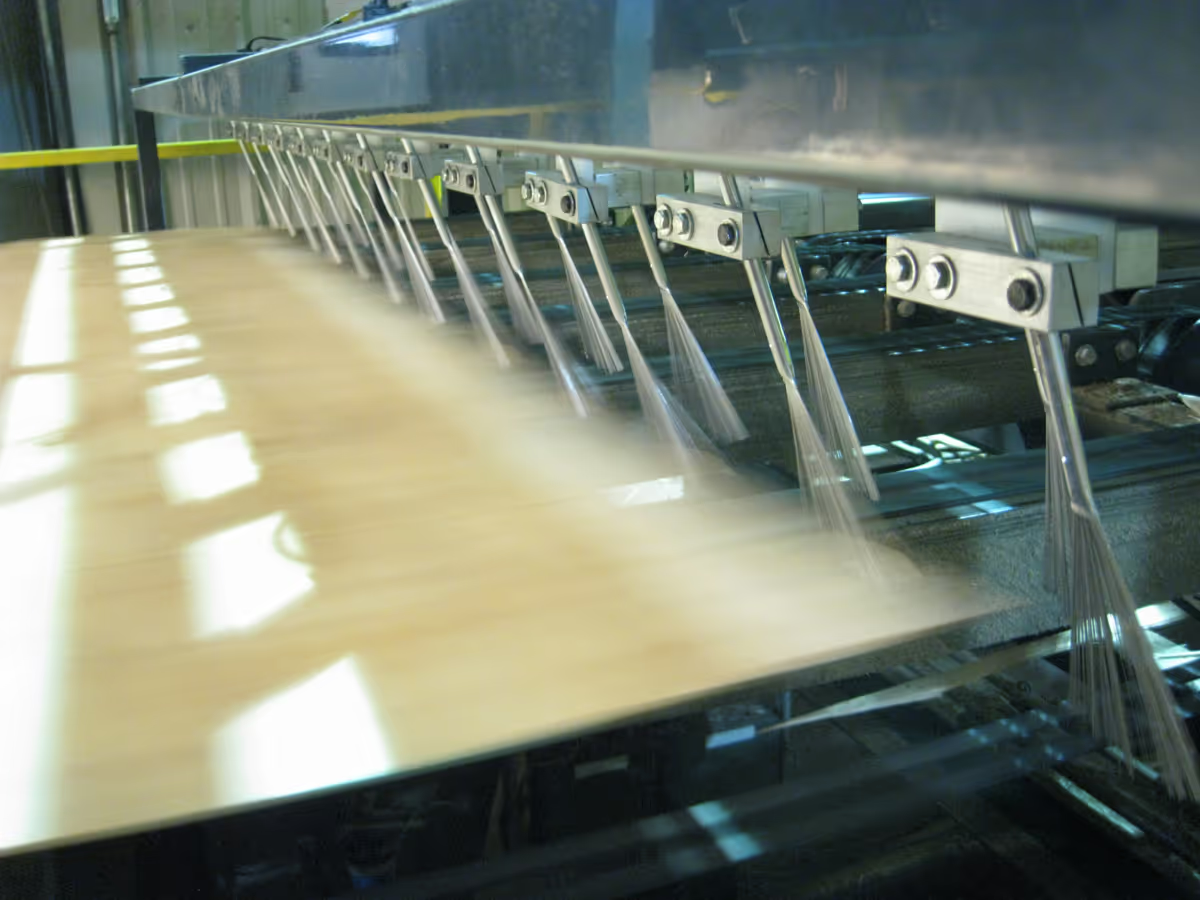 Usnr Kiln moisture control system
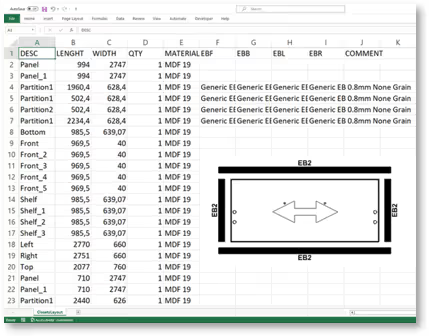 Eficad SWOOD Report production reporting software Usnr USNR “WinTally” for softwood

 Cadwork cadwork Opticargo load optimisation software
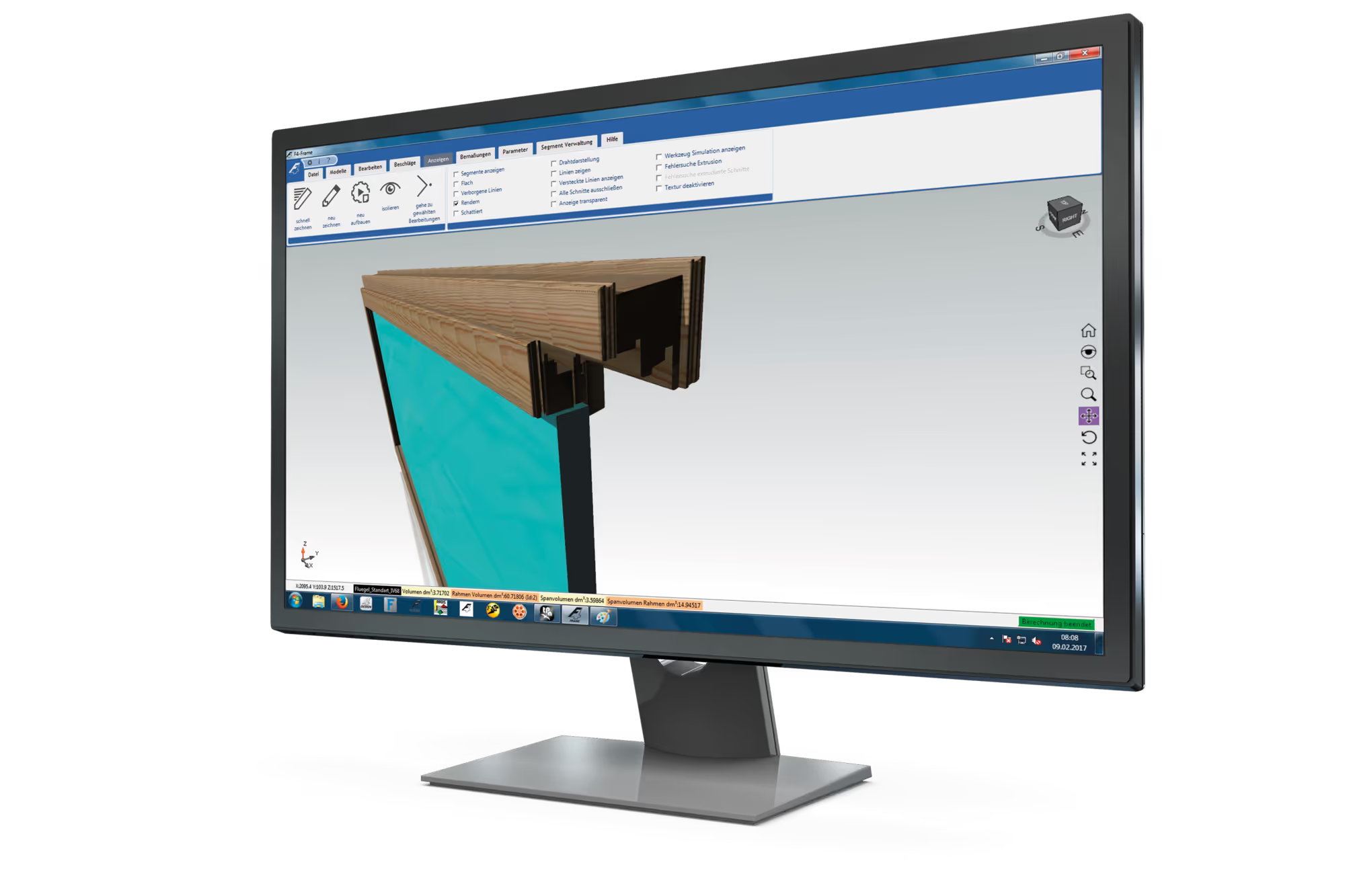
 Felder Group Format4 F4Frame software
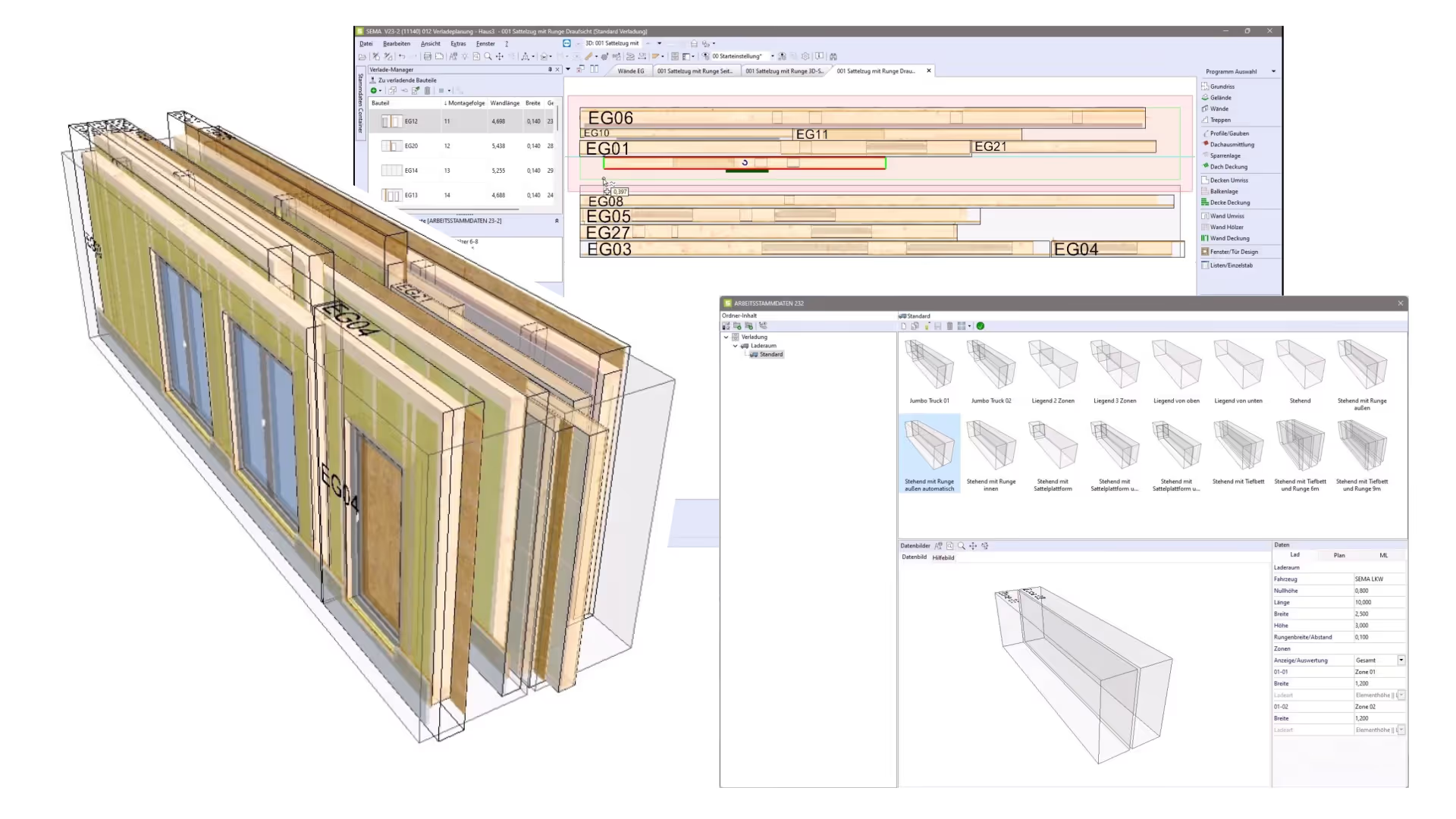
 Sema SEMA Load Planning Module
 3E France 3E LOOK WEB-SALES: process digitalisation software between manufacturers and dealers
 3E France 3E LOOK MOBILE: the joinery application
 Felder Group Format4 F4Guide software Usnr USNR "WinTally" for softwood sawmill 2
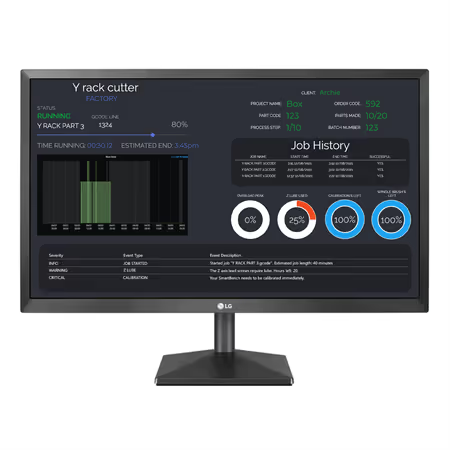 Yeti Tool SmartManager production management software, multi-licence
22 of 22 products
Management software for the wood trades helps create quotes, track orders, and organize the company’s activity. Depending on its features, it can also manage purchasing, inventory, production, or invoicing.
In woodworking and interior fit-out, these tools help track projects from quote to manufacturing. In sawmills, they can track timber volumes and stock.
An ERP (enterprise resource planning system) brings together several company functions, while quoting software is mainly used to price projects. A configurator helps define a product’s characteristics and prepare its price.
An ERP can connect orders, purchasing, inventory, and manufacturing. Estimating meets a more targeted need, while a configurator prepares customized offers.
WoodPartners brings together ERPs and quoting software, as well as configurators, mobility modules, and production tracking tools. The offering is aimed in particular at carpenters/joiners, fit-out specialists, timber builders, and sawmill professionals.
Some solutions cover workshop reporting, loading, or monitoring/controlling industrial installations. They do not all replace a full ERP. This diversity makes it easier to compare according to your needs.
Start with the operations to manage on a daily basis, such as estimating, purchasing, inventory, or manufacturing. Then check that your trade-specific constraints are taken into account, notably dimensions, species, and timber volumes.
Compare possible exchanges with design software (CAD, BIM) and manufacturing software (CAM, CAD/CAM) when the design office and the workshop need to share their data. Check compatibility with the vendor.
On WoodPartners, use the filters by trade, software type, company, language, or operating system to compare offers, then contact suppliers from the product pages.
The available features help distinguish a full ERP from a specialized module. The Software section also lets you explore complementary solutions. When making your request, specify your activity, the essential functions, and the software already in use.
Send your request to the relevant suppliers in 2 min. They answer you directly.
Your privacy choices
With your consent, we and use trackers to measure audience, suggest manufacturers and products similar to the ones you view, and measure our advertising. Declining changes nothing about your browsing. Learn more