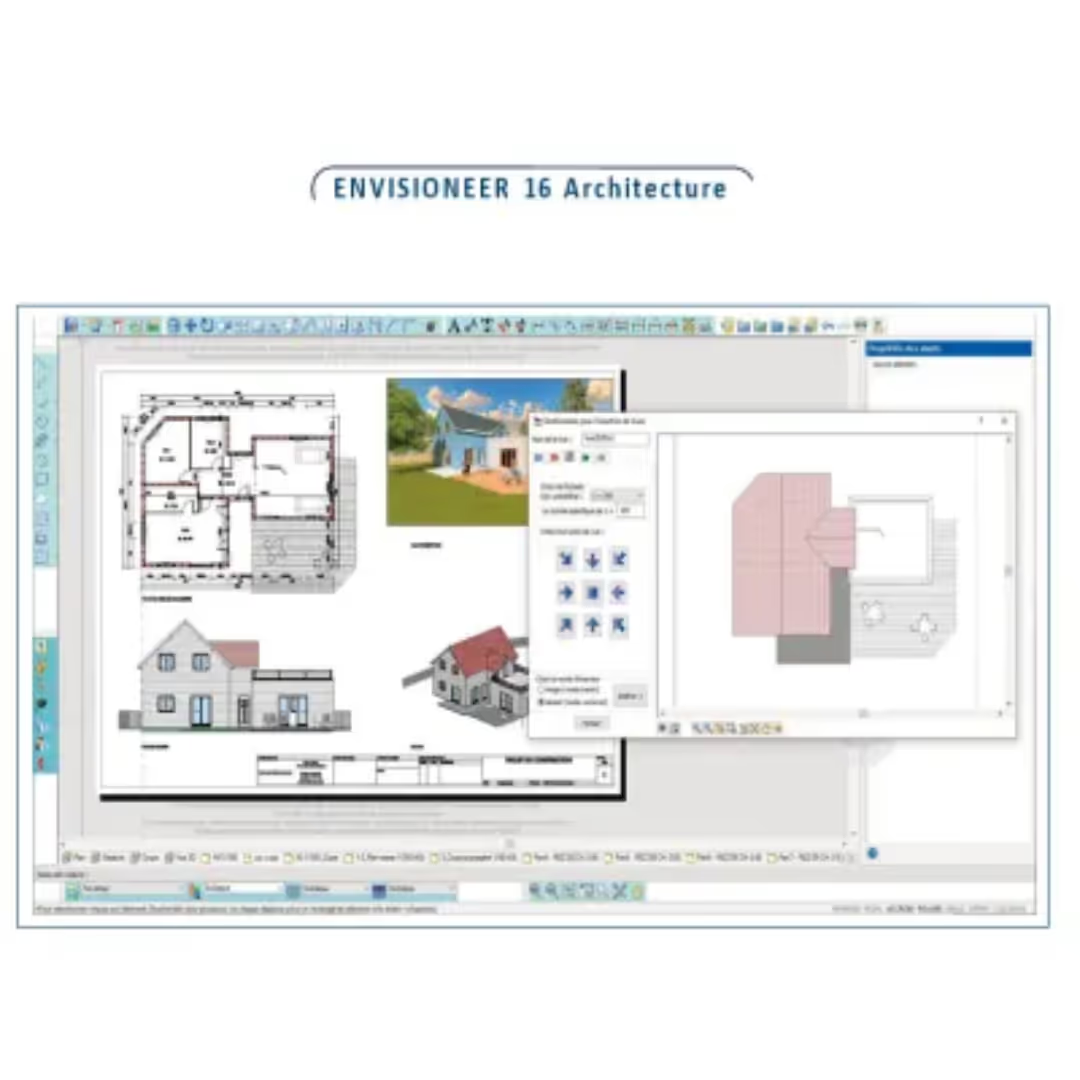
 Adoc Envisioneer 16 Architecture 3D BIM Design Software
Discover our selection of 59 references in Design software (CAD, BIM). Compare drawing, modeling and 3D survey tools for your timber projects, then contact the publishers on WoodPartners.
Adoc Envisioneer 16 Architecture 3D BIM Design Software 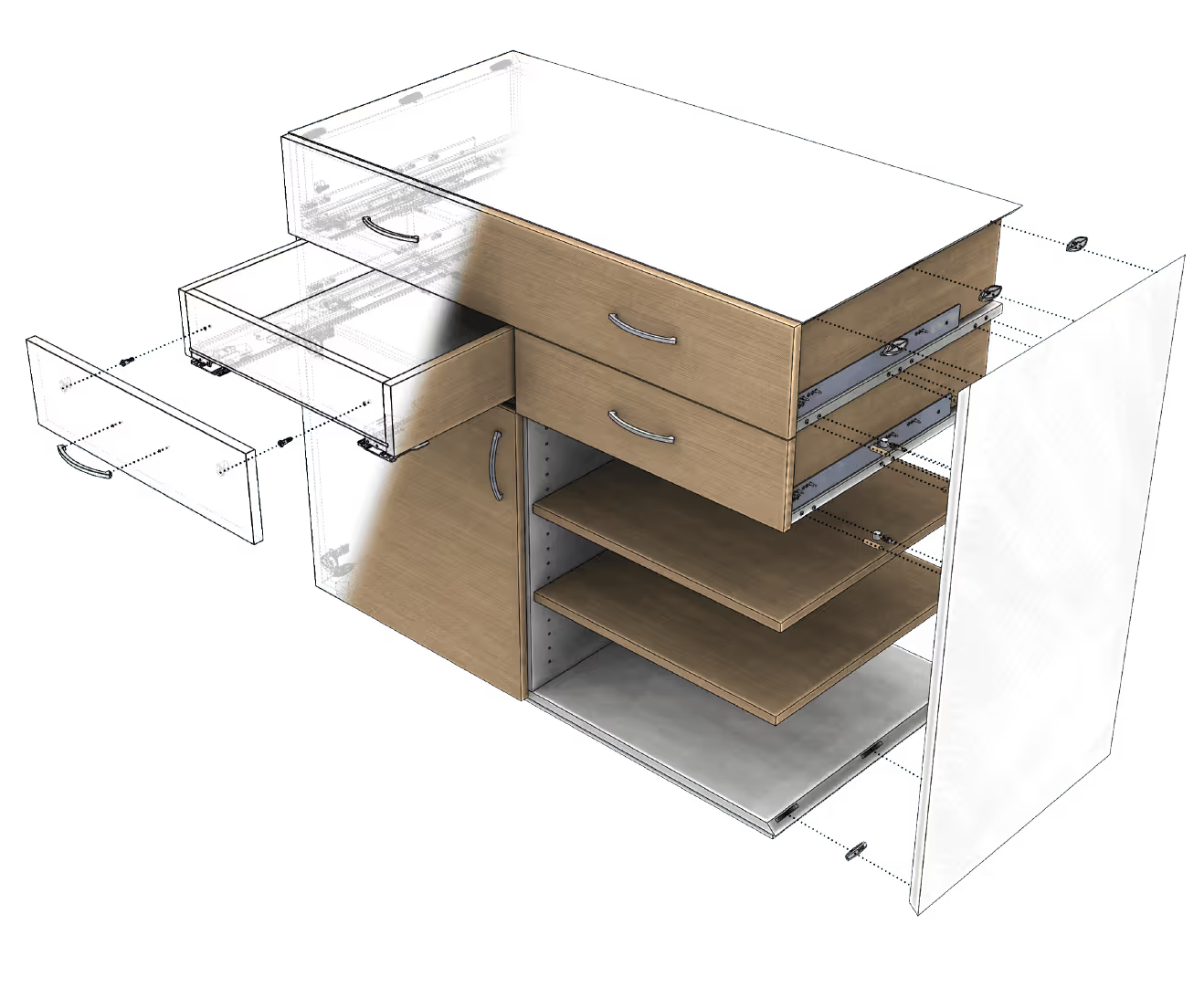
 Eficad SWOOD Design 3D wood CAD software
 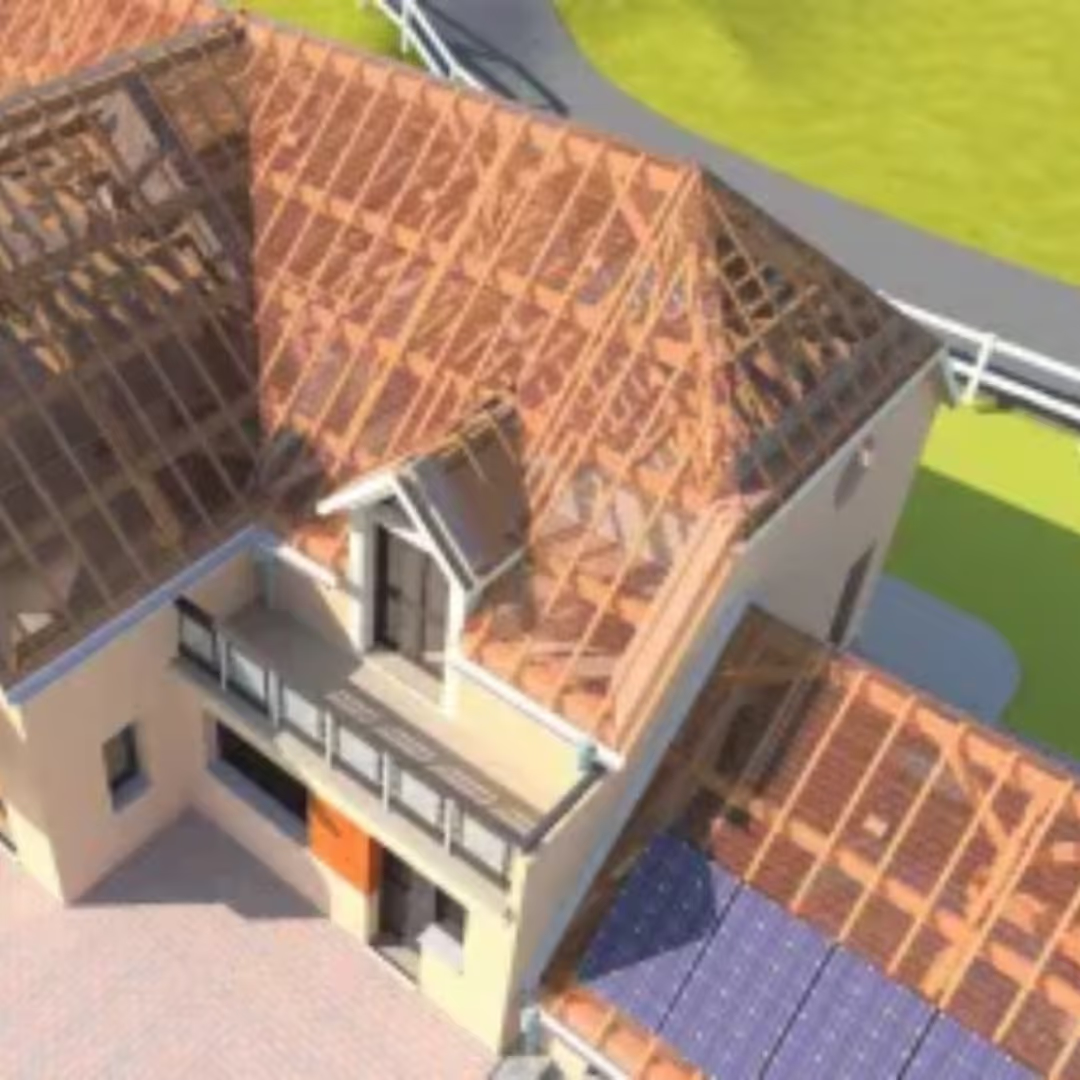 Adoc Envisioneer 16 Timber Frame Software
  Adoc SketchDesign
 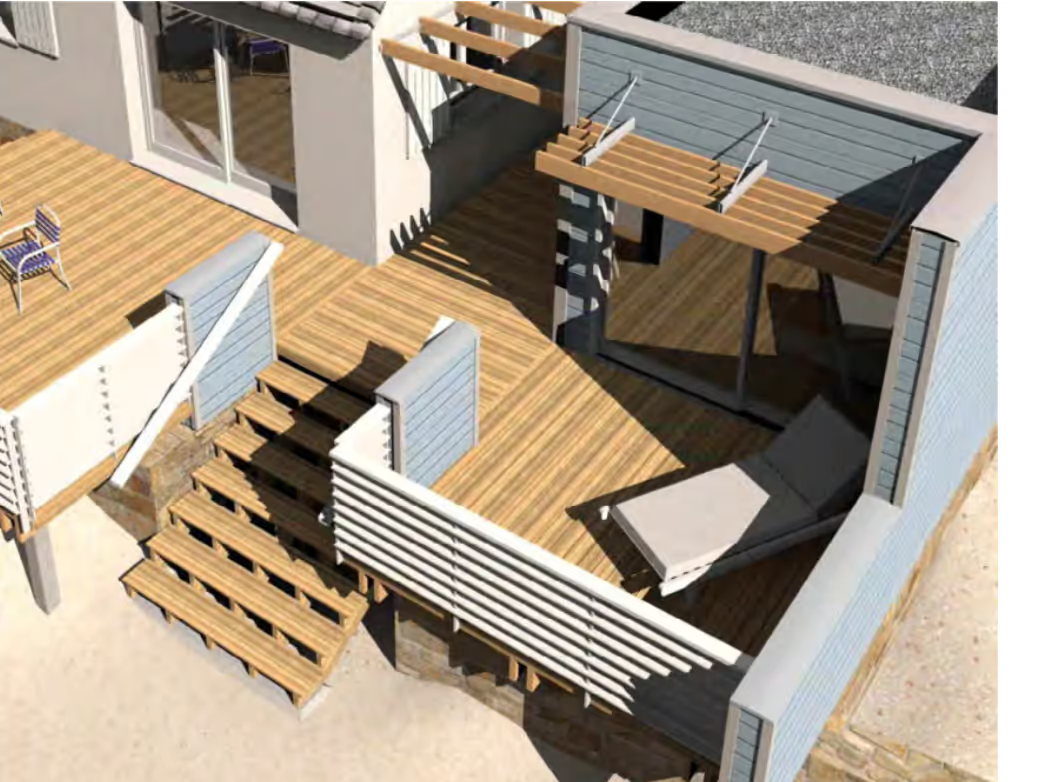 Adoc Envisioneer Architecture Software
 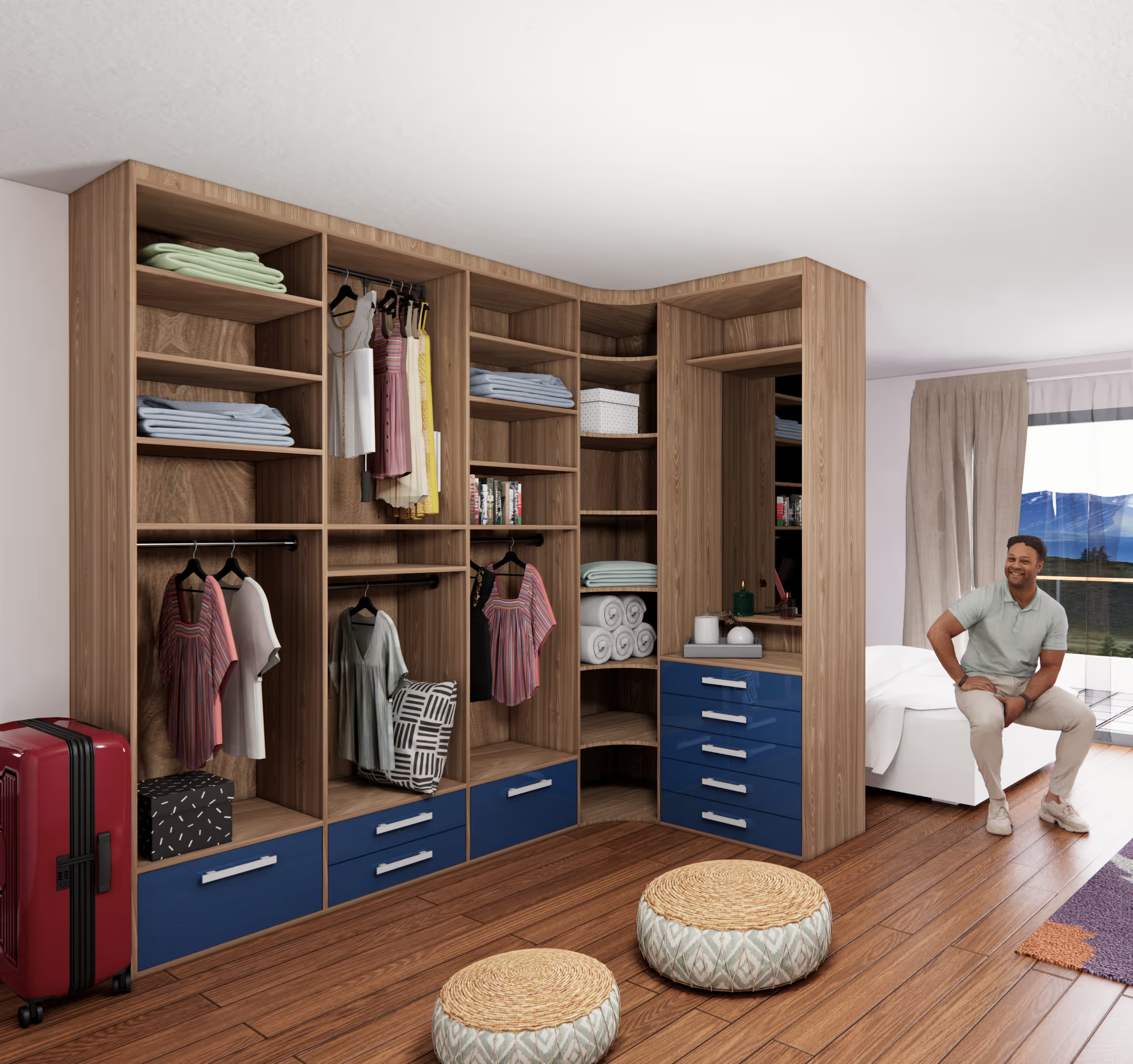 Adoc SketchArtisan Software for Craftsmen
 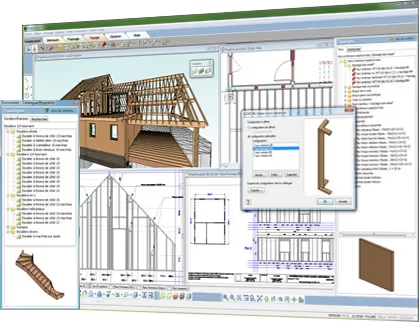 Adoc Envisioneer Timber Construction Software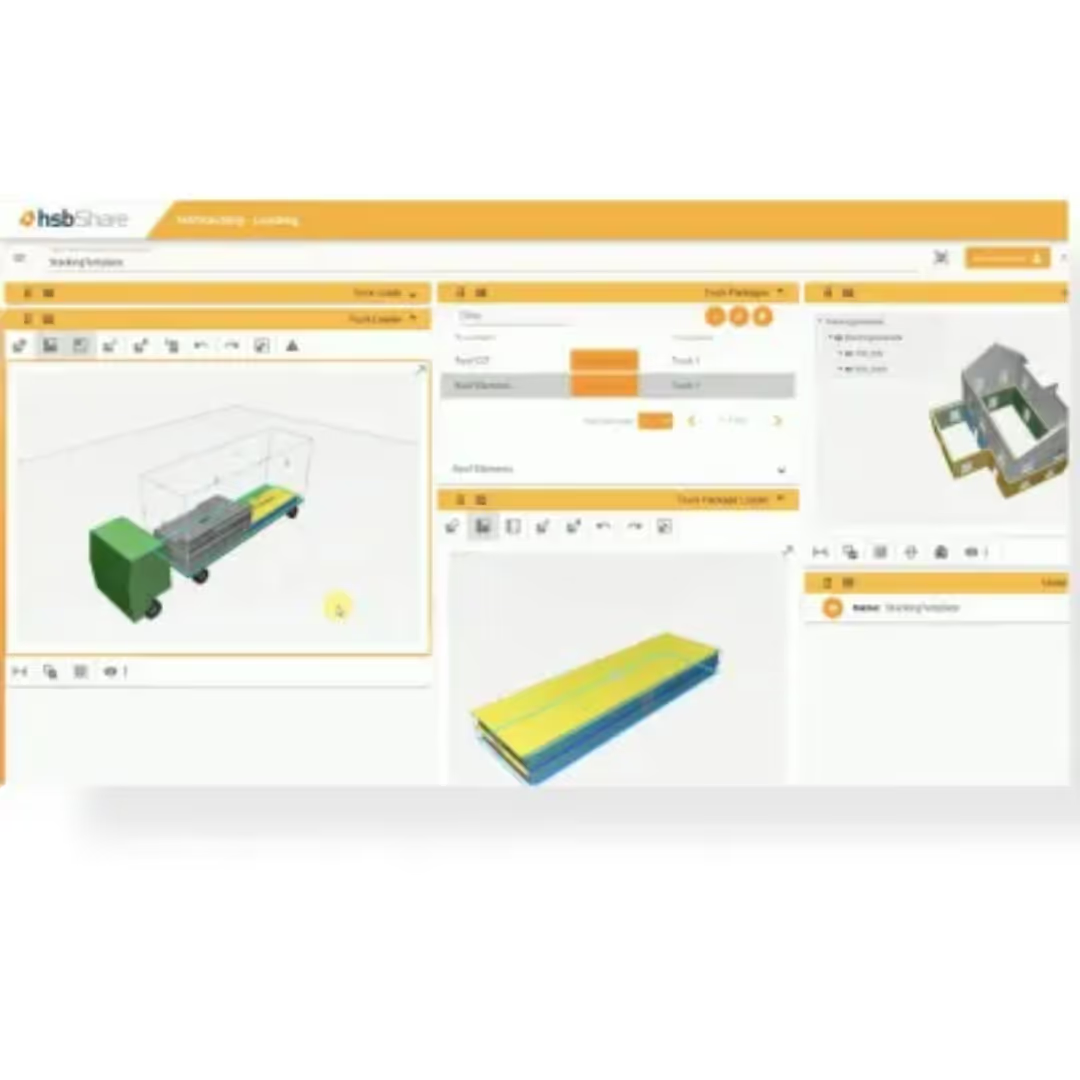
 hsbcad hsbShare intranet software
 Cadwork cadwork automatic wall framing generator
  Cadwork cadwork PDF Import module for vectorised PDF files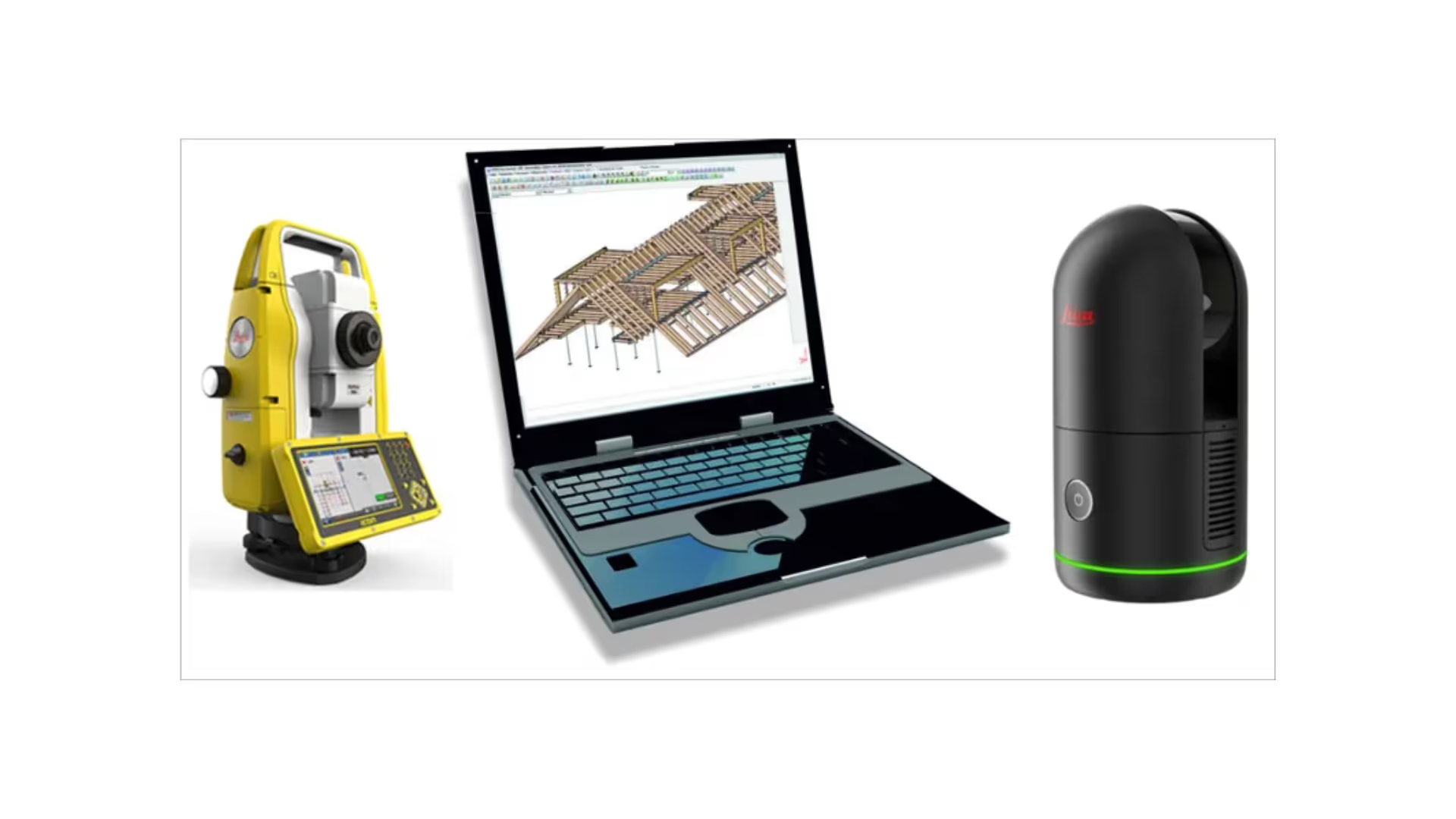
 Dietrich’s Technology France Leica Surveying and Setting Out with Dietrich's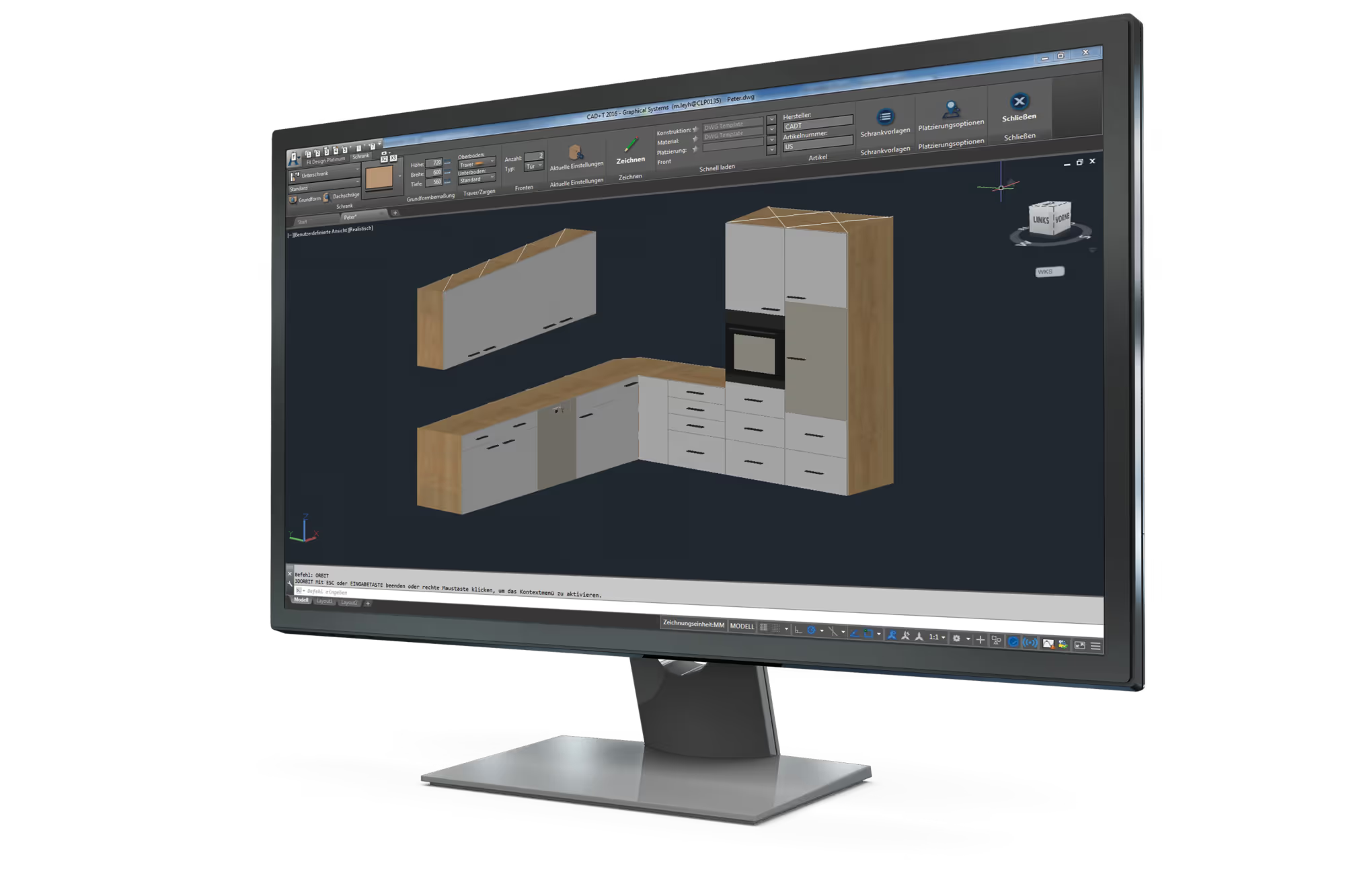
 Felder Group Format4 F4Design software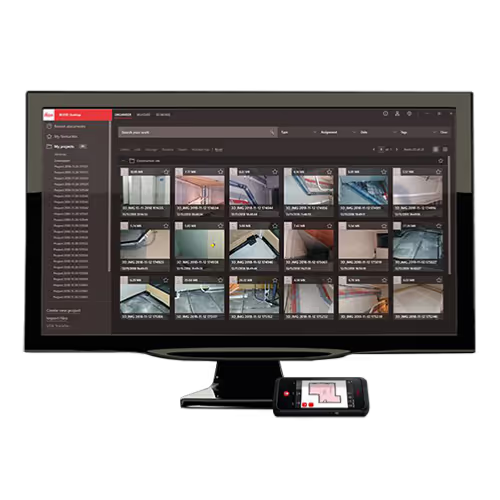
 Praxi Leica BLK3D Desktop 3D modelling software option
 Sema SEMA CAM Basic Module
 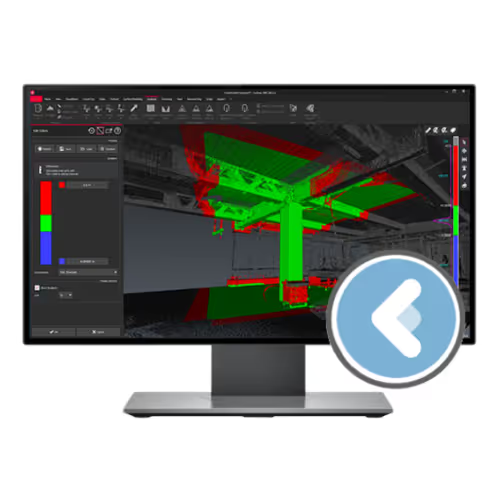 Praxi Leica Cyclone 3DR software 1-year subscription
 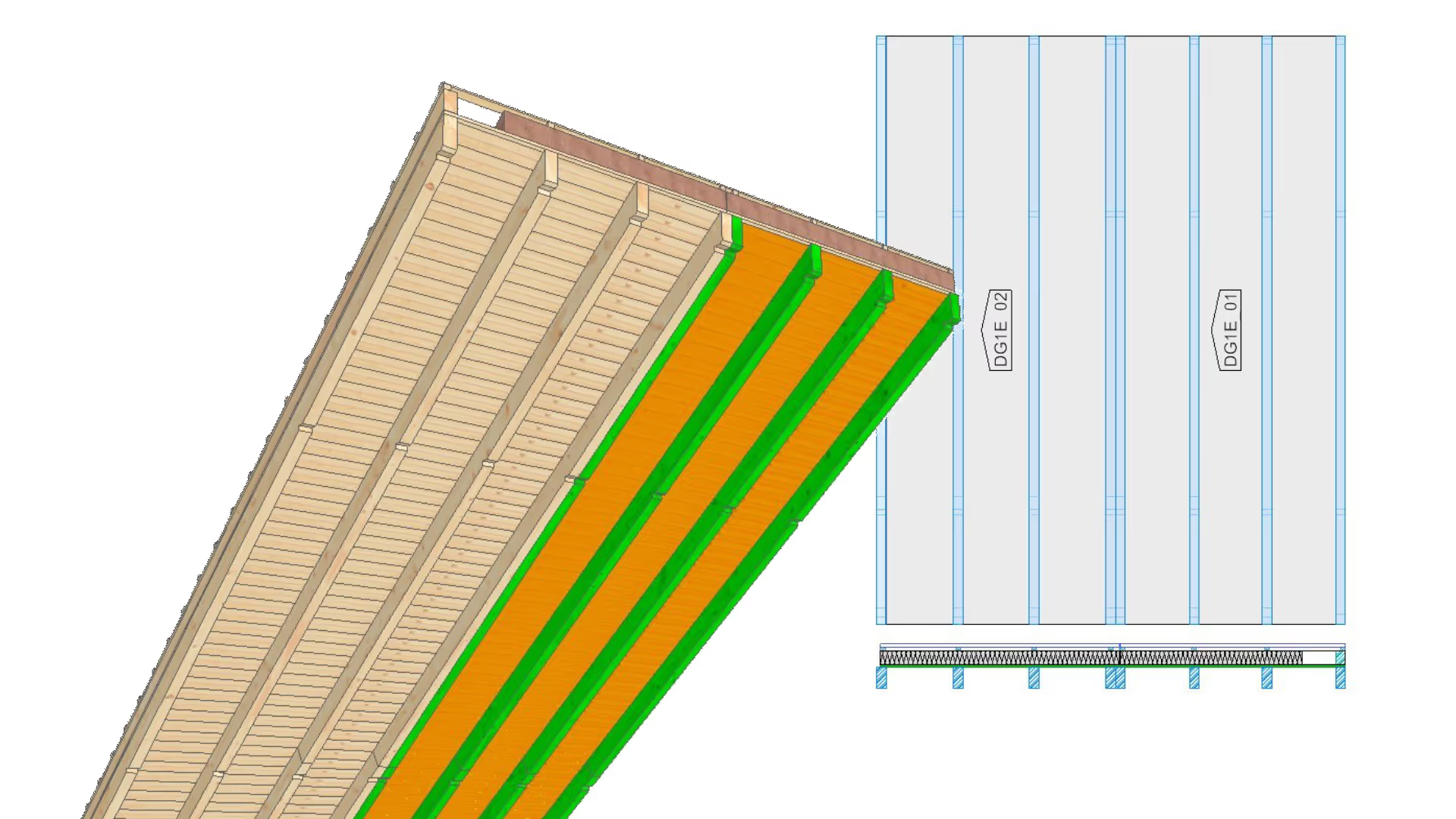 Sema SEMA Roof and Floor Element Module
 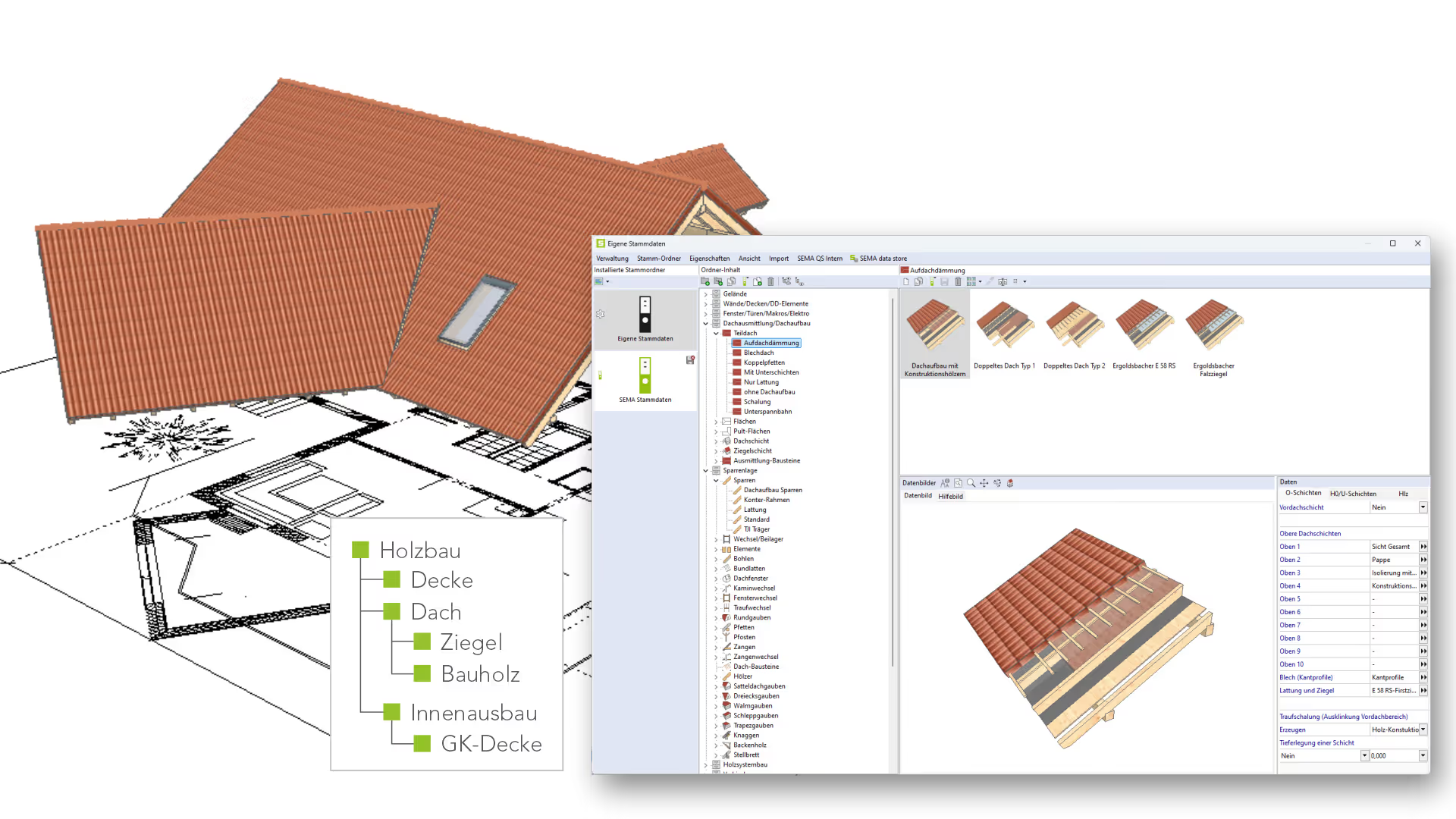 Sema SEMA Master Data Management Module
 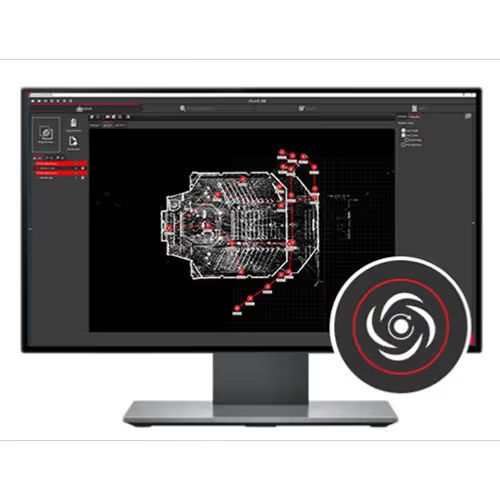 Praxi Leica Cyclone REGISTER 360 PLUS BLK Edition software 1 year
 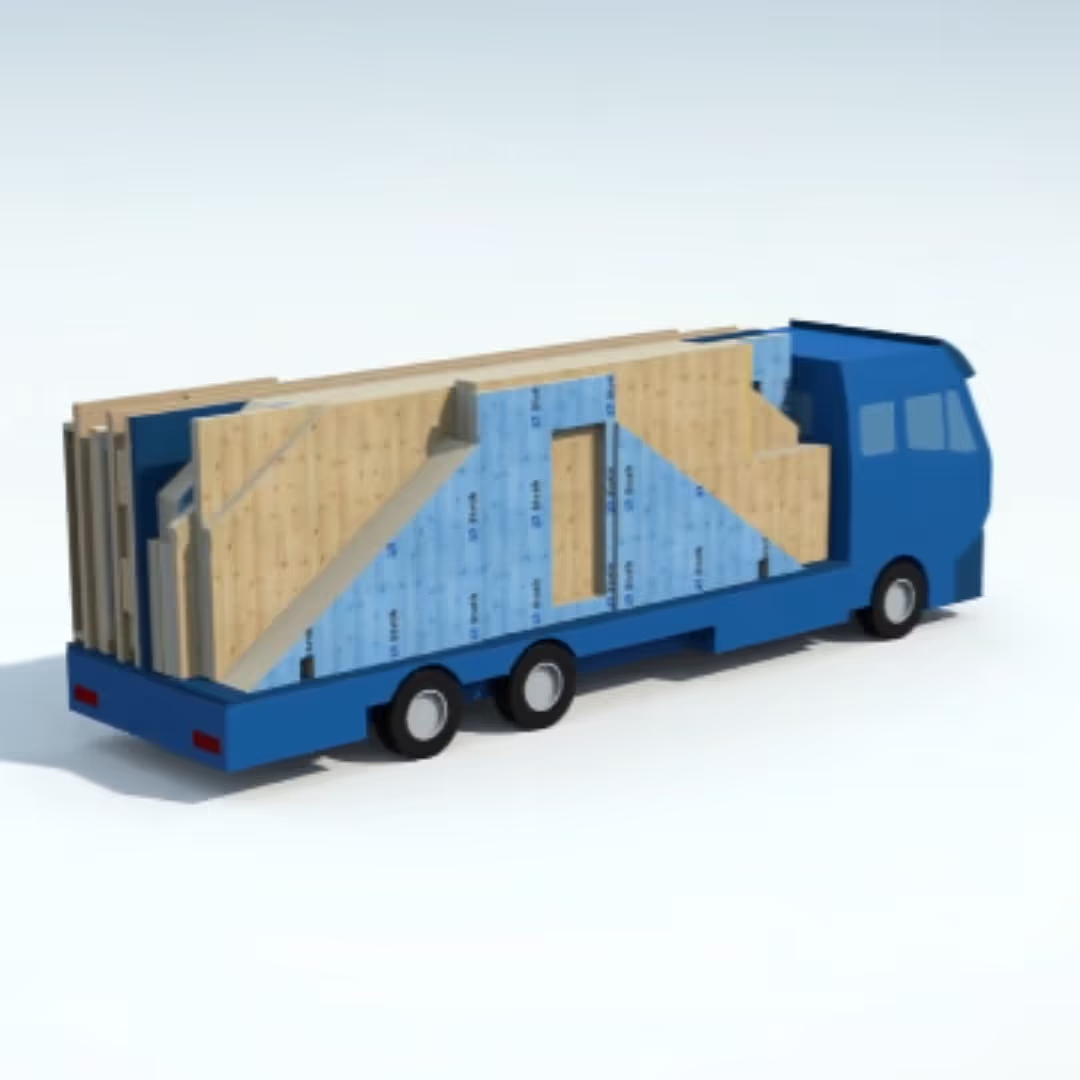 Dietrich’s Technology France Vehicle Loading
 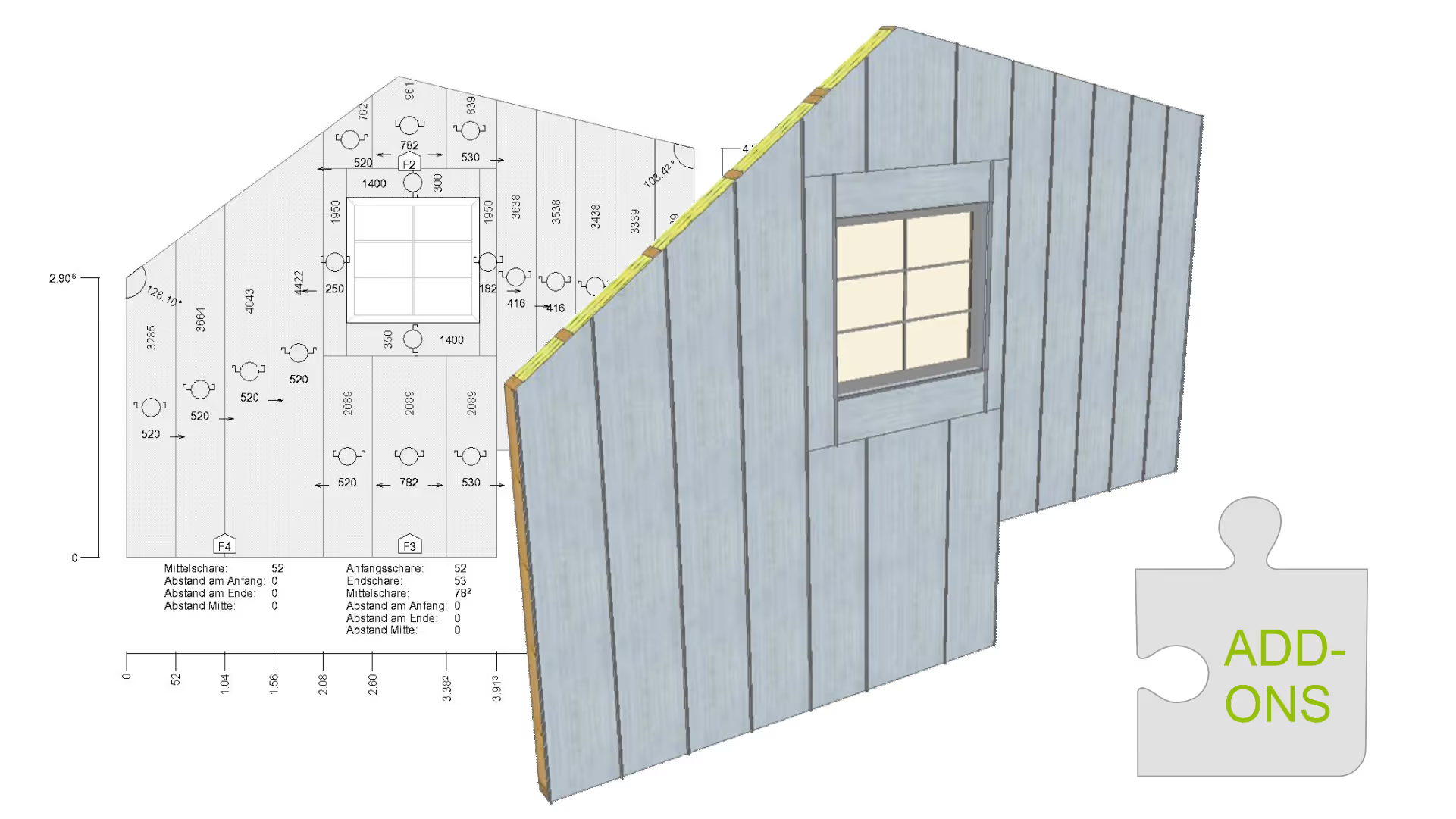 Sema SEMA Roofing, Sheet Metal & Facade Module
  Praxi Leica BLK3D Publisher software option
 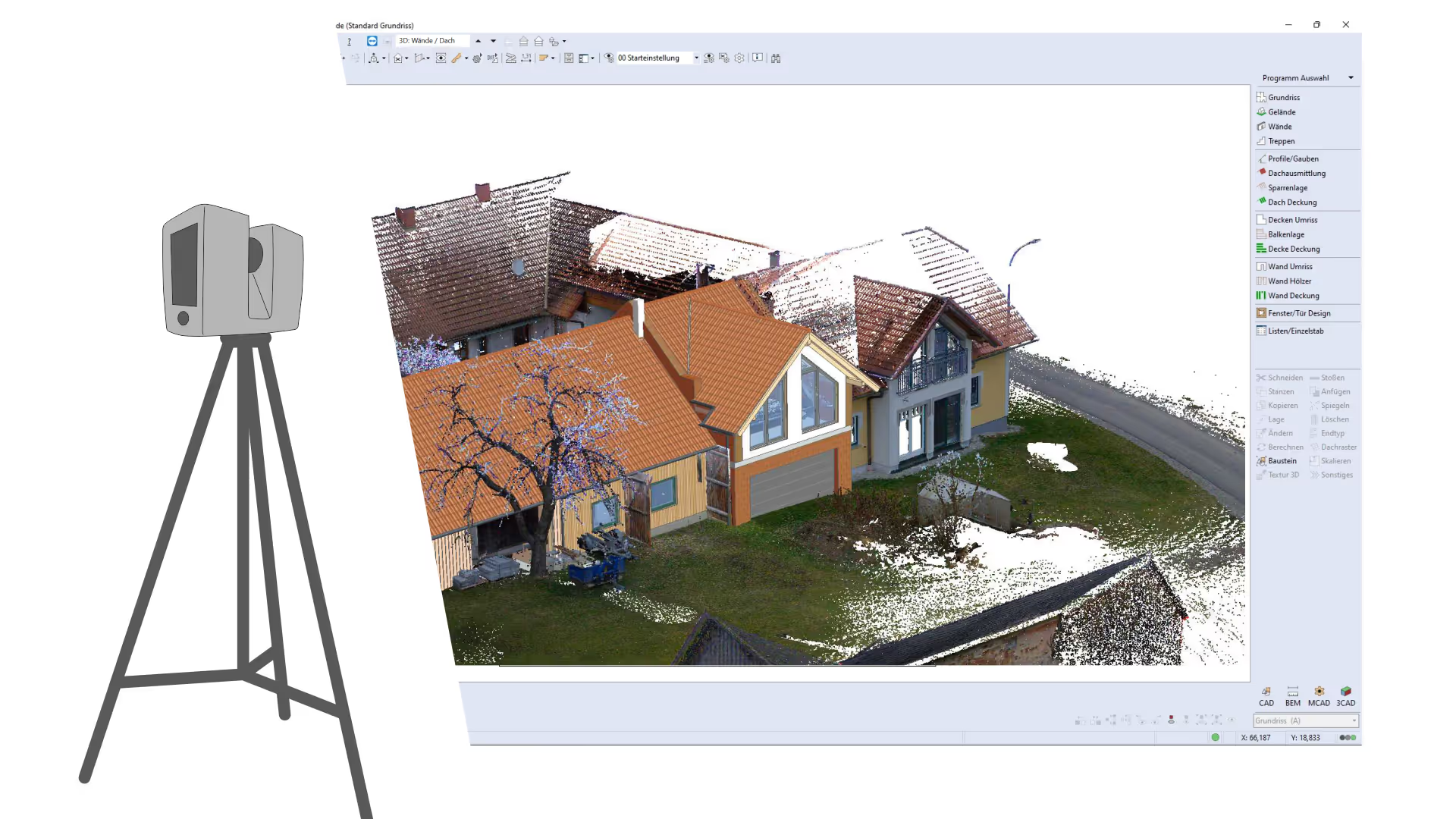 Sema SEMA Point Cloud Surveying Module
  Cadwork cadwork JTC fitting-out and joinery module
  Cadwork cadwork Lamellé glulam module
 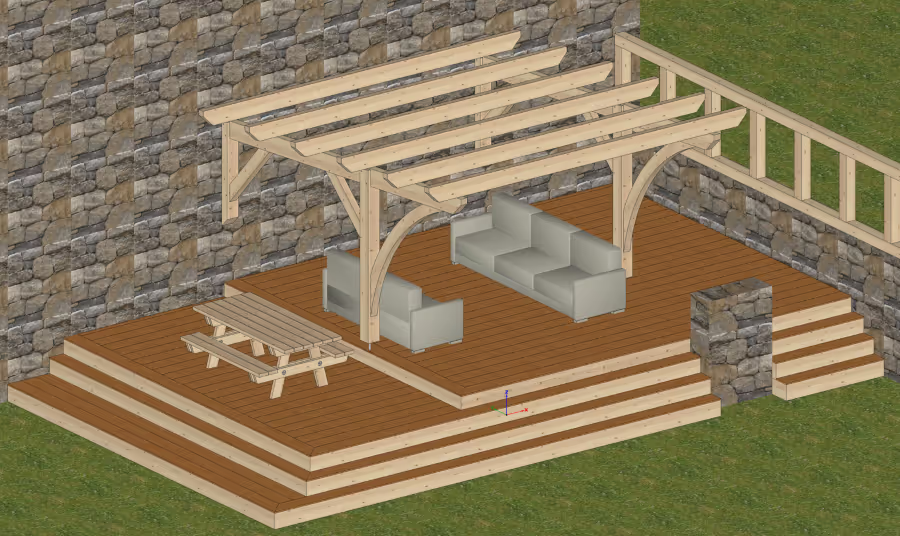 Dietrich’s Technology France D-CAD Flex / Timber Project Modelling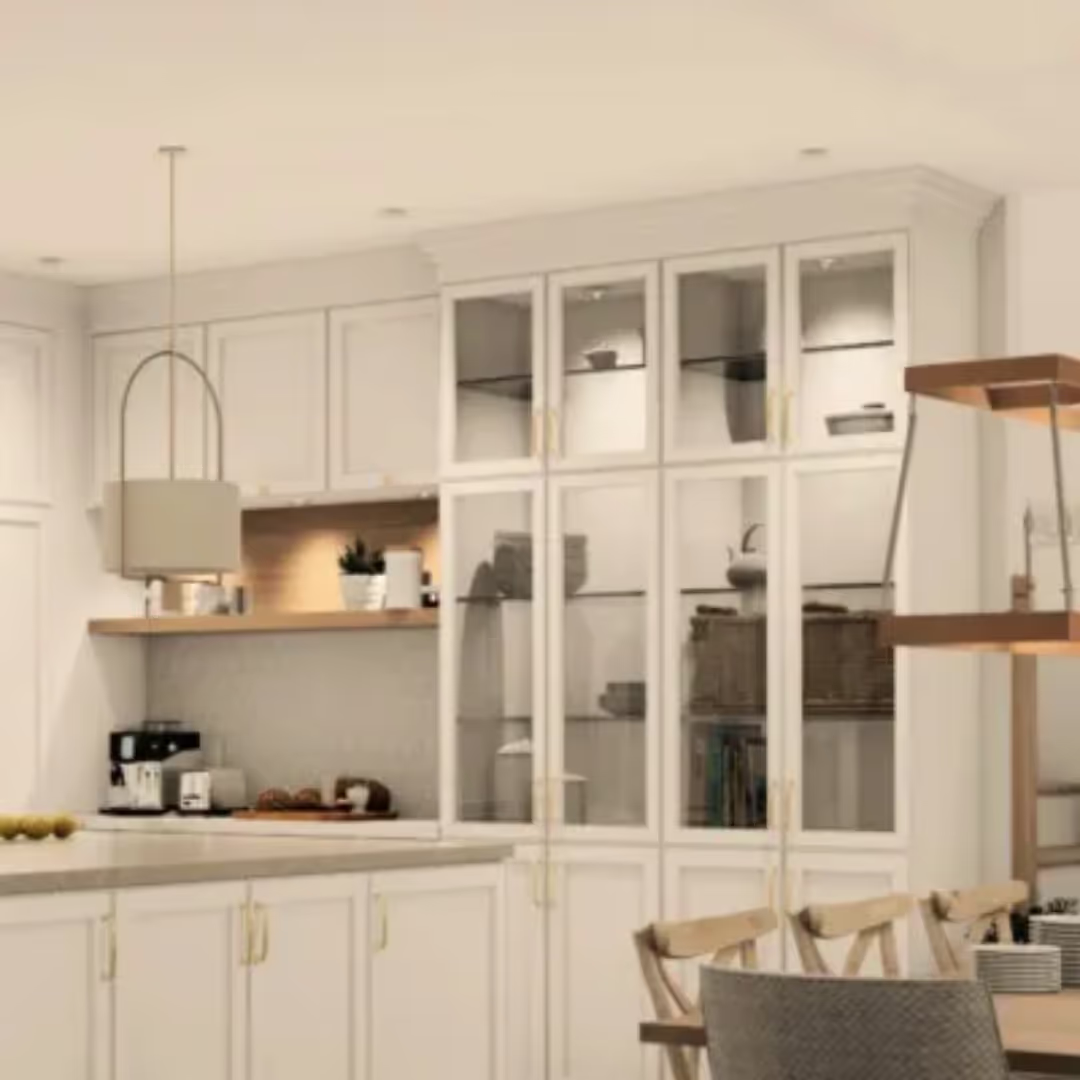
 2020 Design Line - Interior design software
  Cadwork cadwork Variante parametric module
  Cadwork cadwork WebViewer web 3D viewer Praxi Sketch and Doc software option Leica BLK3D Mobile
  Praxi Leica 3D Disto software update version 6.0
  Cadwork cadwork Liste + DPP lists and drawings module Praxi Leica BLK3D Desktop software
 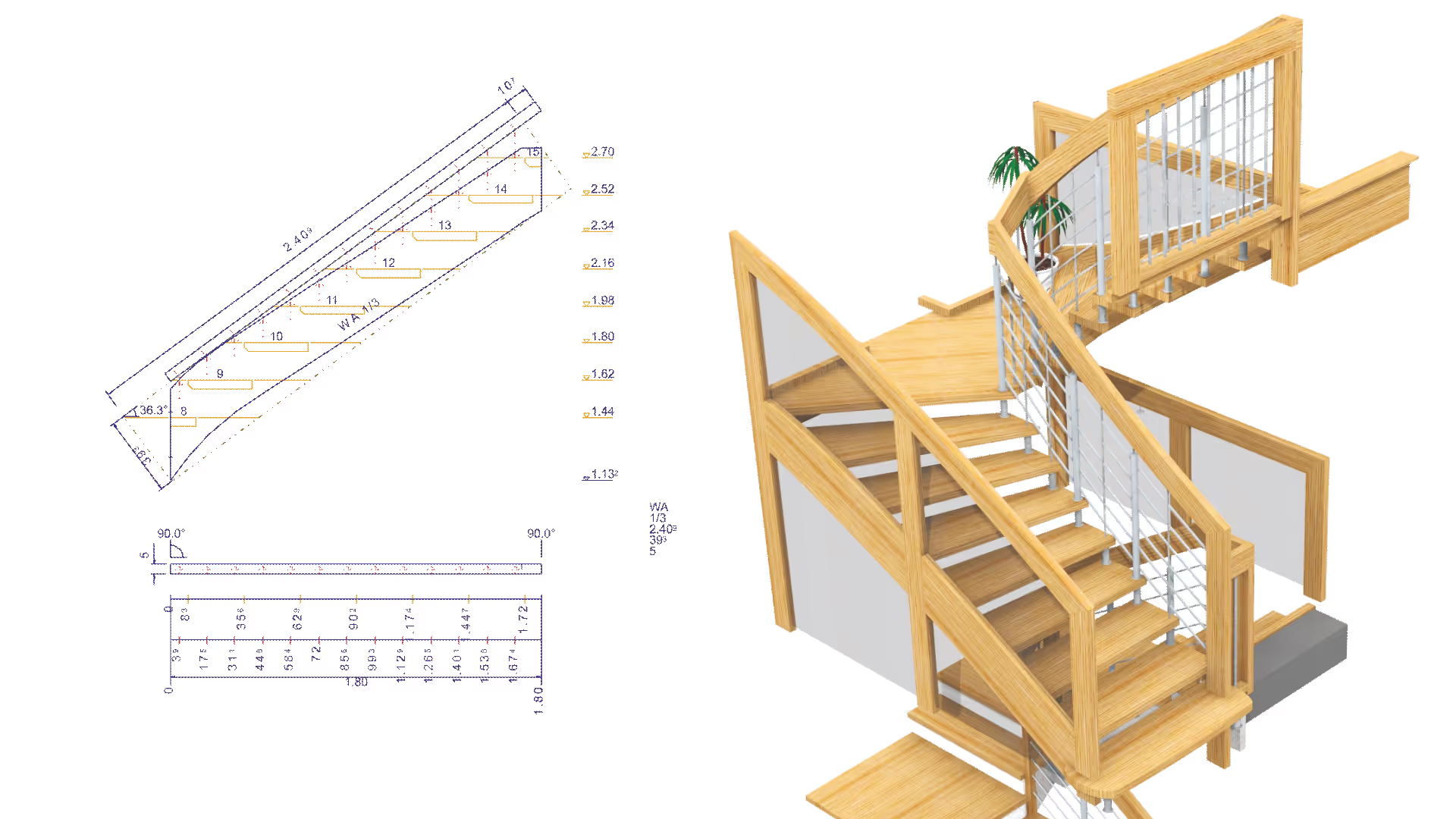 Sema SEMA Stair Construction Module
  Cadwork cadwork Mesh Editor 3D mesh editing module Praxi Autodesk BIM 360 option subscription for BLK3D
  Cadwork cadwork DeepNode visual programming module
 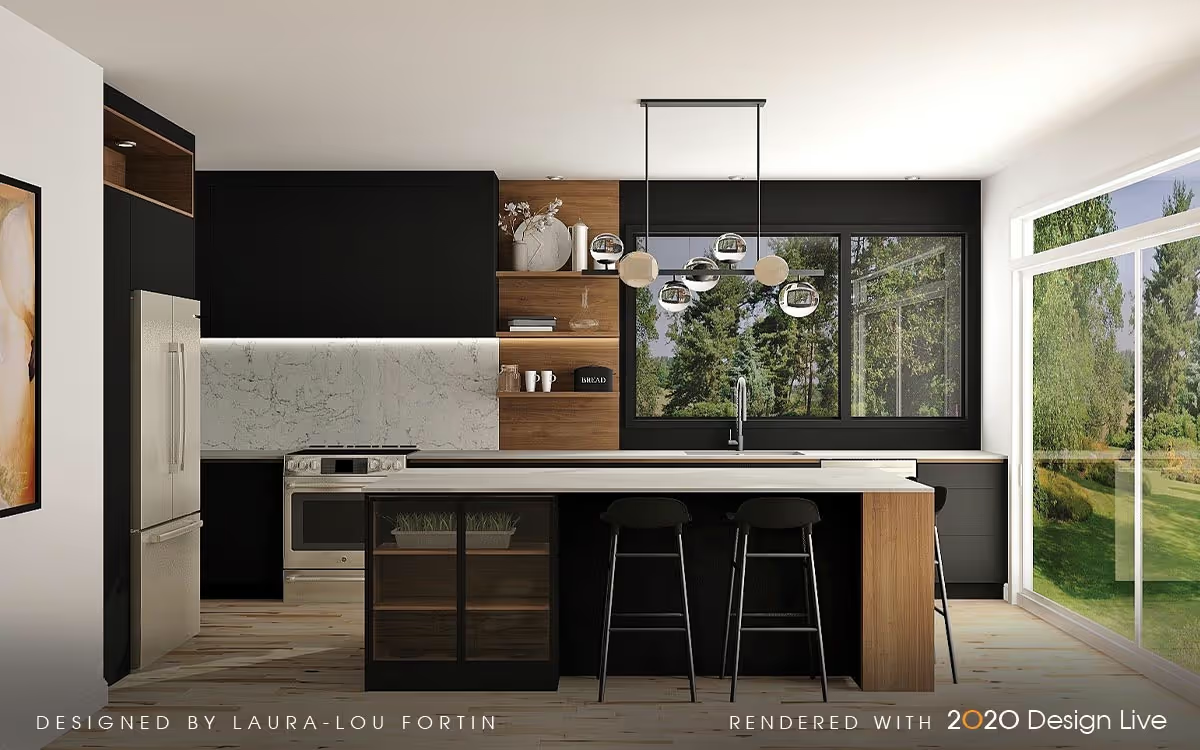 2020 Kitchen Design Software
 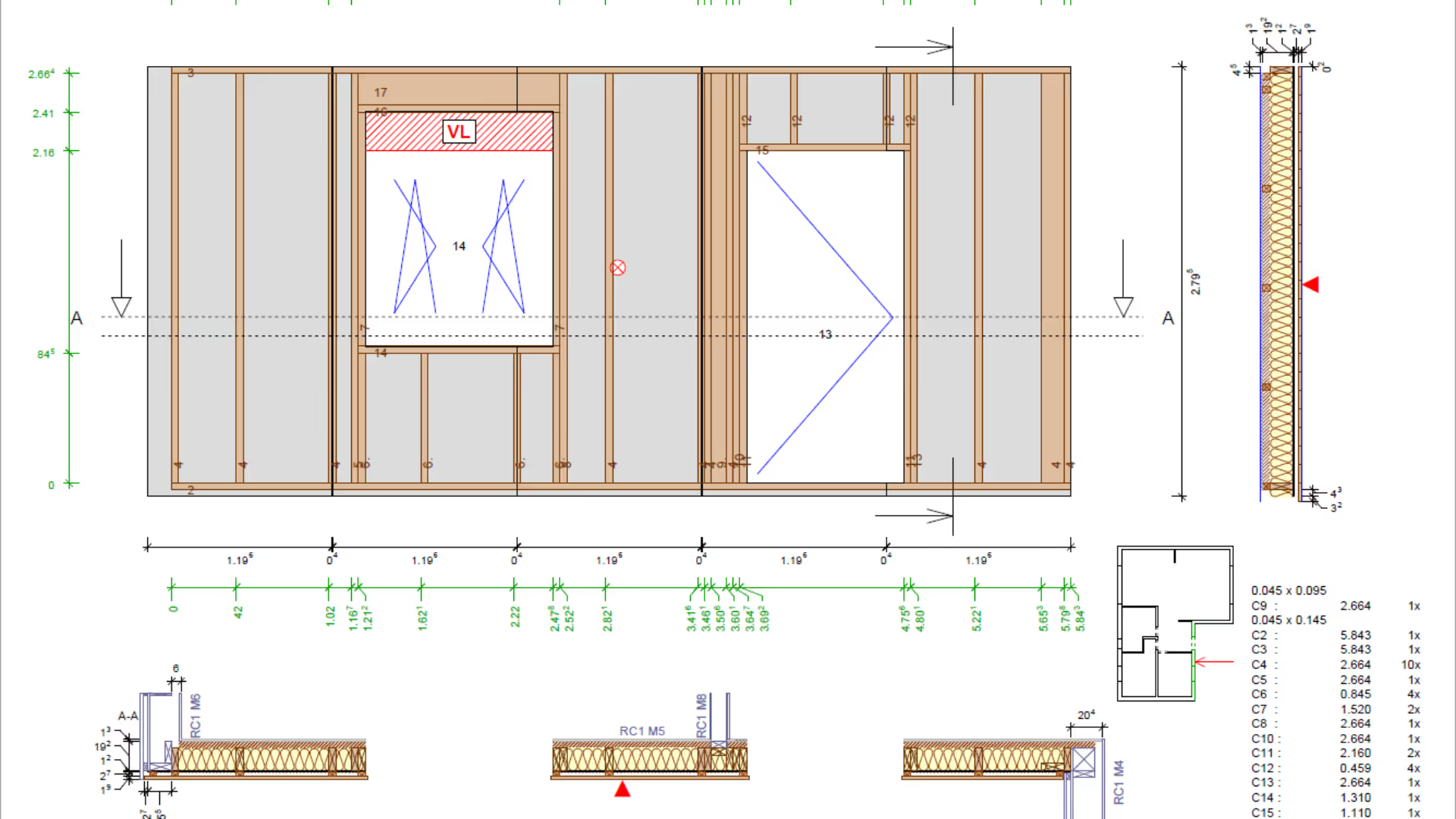 Dietrich’s Technology France D-CAD Lite / Timber structure & timber frame modelling
 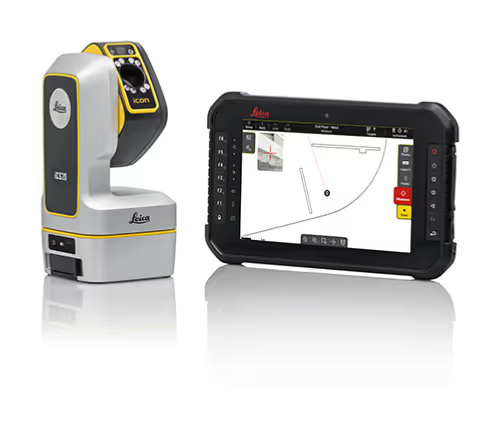 Praxi Leica iCON Trades Fit-out measuring software
 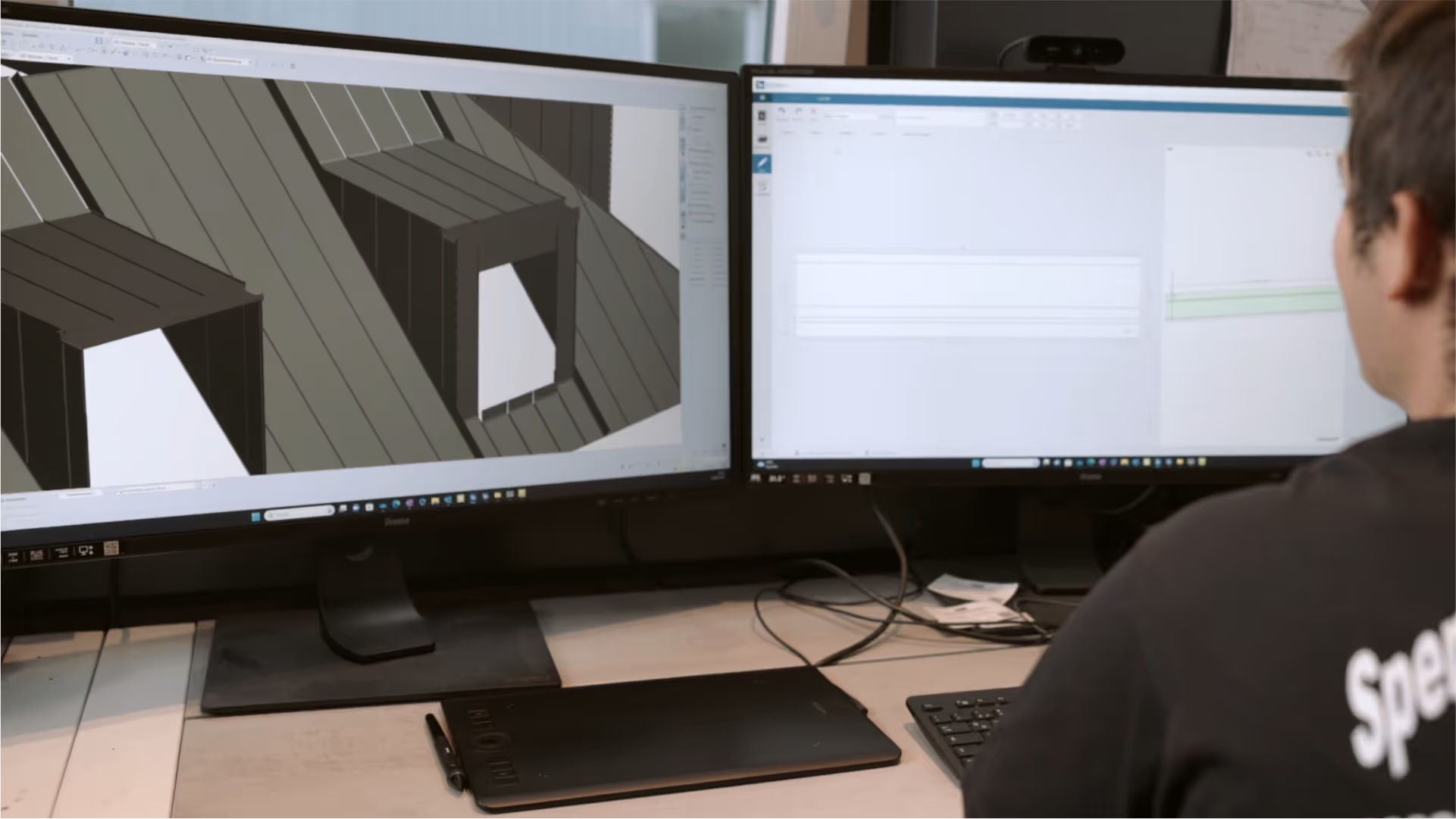 Sema SEMA CAD Software for Roofing, Sheet Metal and Facades
  Cadwork cadwork Escalier parametric staircase generator
  Cadwork cadwork laser site survey and measurement pack
 42 of 59 products
Wood design software lets you draw projects in 2D or 3D and prepare the plans needed to build them.
CAD (computer-aided design) is used to create and edit drawings. BIM (building information modeling) attaches data to the digital model to make collaboration between professionals easier.
Depending on the software, you can design a roof frame, timber-frame walls, a staircase, joinery, or interior fittings. Some tools also produce detailed drawings and parts lists to prepare workshop work.
WoodPartners brings together 2D drawing tools, 3D modeling and BIM tools, as well as specialized modules. This diversity makes it possible to compare solutions suited to different woodworking trades.
3D survey software helps you make use of measurements from an existing building before designing a project. They are especially useful for preparing a renovation or fitting joinery into an already built space.
Some solutions use point clouds (sets of measurements recorded in space) produced by a scanner. Check the supported file formats and how the measurements can be used in your plans.
To choose wood CAD/BIM software, start by checking what projects it lets you draw and what documents it can produce. A carpenter does not have the same needs as a joiner or an engineering office.
Compare the required modules, exchanged files and, for BIM, support for the IFC format (data exchange between building software). The Software section also presents structural calculation software to check load-bearing elements and manufacturing software (CAM, CAD/CAM) to prepare machining.
On WoodPartners, filter offers by trade, software type, company, language or operating system. Review the available features to compare 2D or 3D design, BIM, and survey tools.
Contact the listed publishers to learn about available modules, compatible file formats, or demo options. Specify your trade, the projects to be designed, and your current software to get a tailored response.
Send your request to the relevant manufacturers in 2 min. They answer you directly.
Your privacy
We use trackers to measure site audience and improve your experience. You can decline without changing anything about your browsing. See our privacy policy