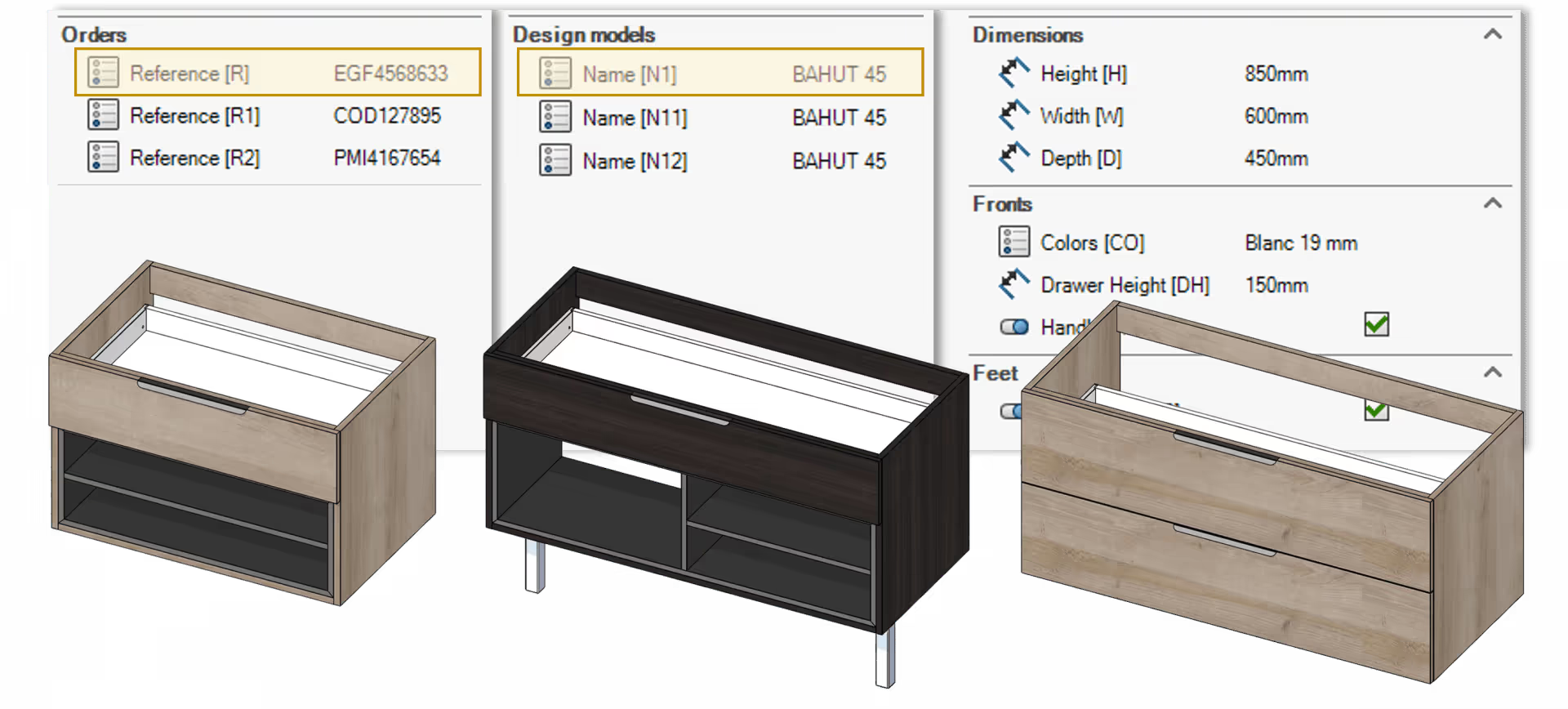
 Eficad SWOOD Center wood automation software
Our selection of software products: Cutting optimization software, Design software (CAD, BIM), Management software (ERP, quoting).
Eficad SWOOD Center wood automation software 
 Adoc SketchFabrication
 Herakles Herakles mobility tools
 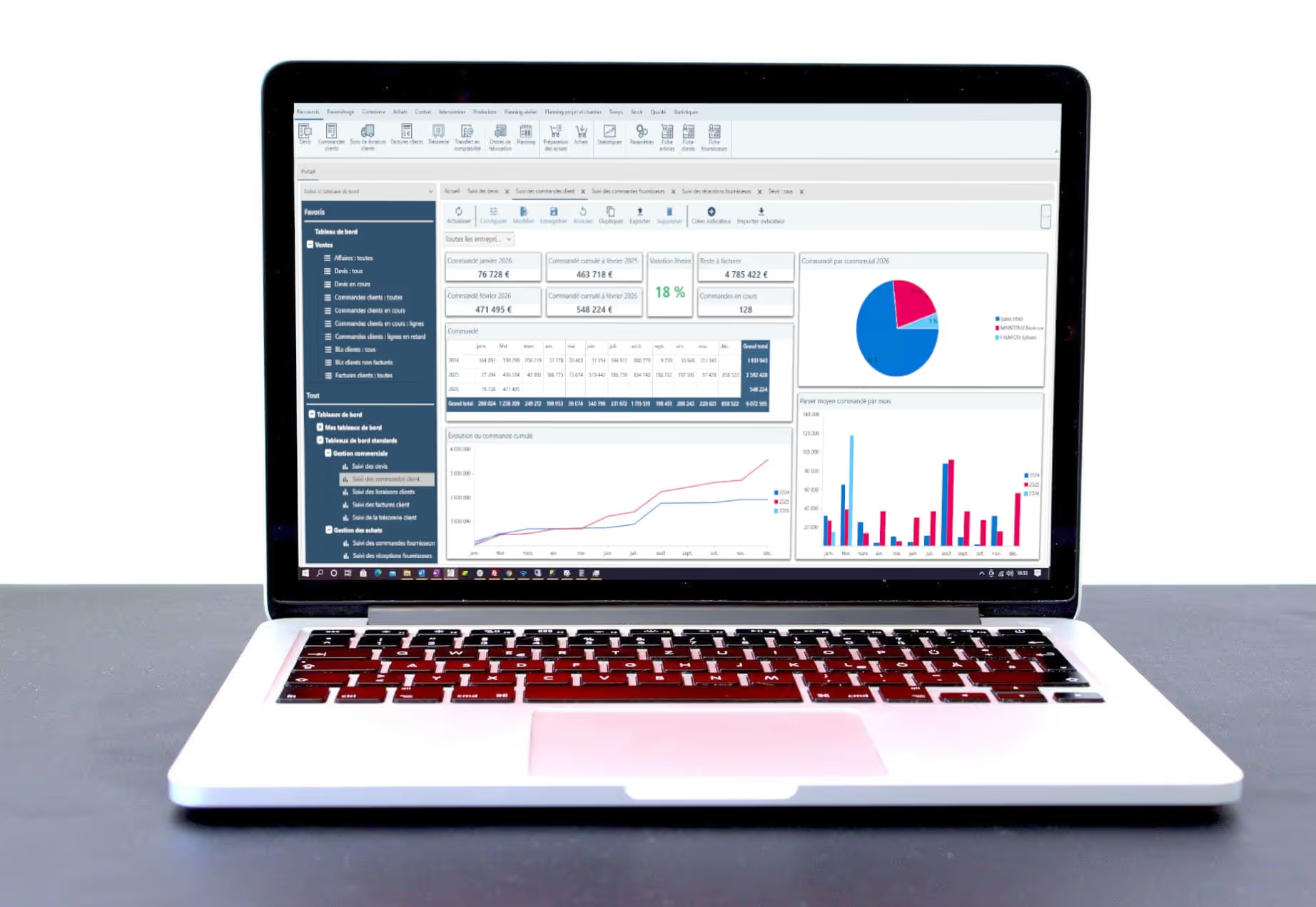 Herakles Herakles ERP (GPAO) software – core pack and main features
  Herakles Add-on modules for the Herakles ERP (GPAO)
 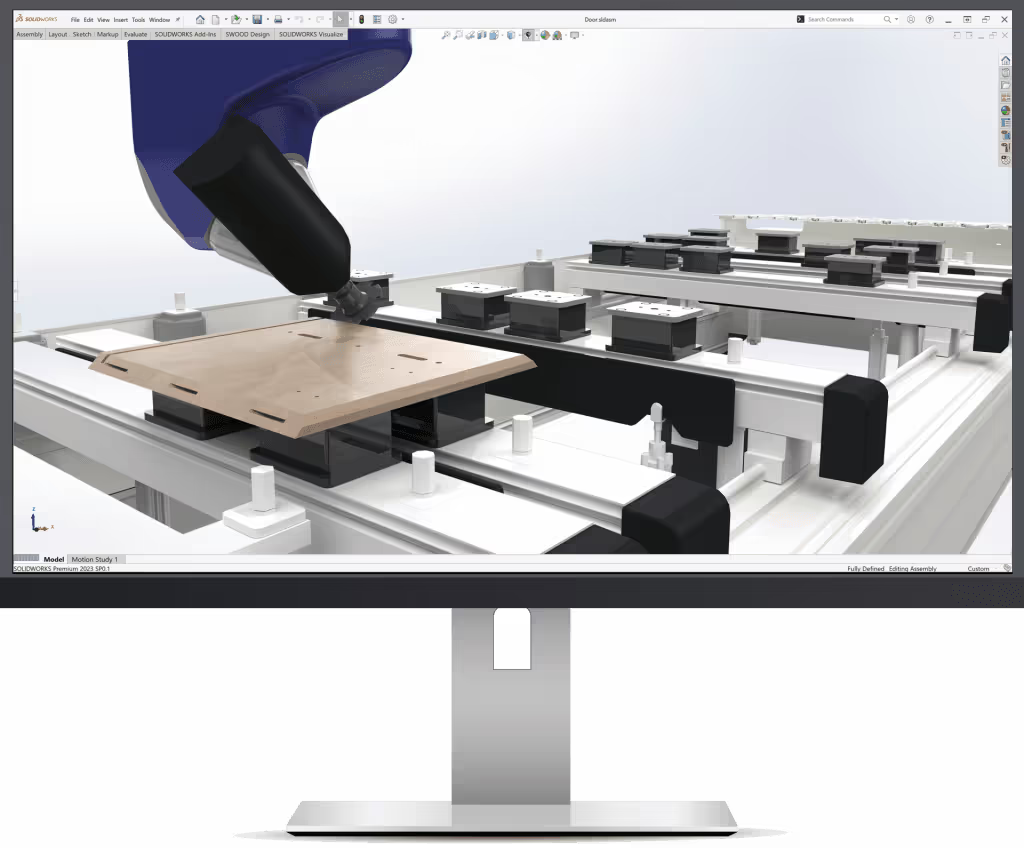 Eficad SWOOD CAM wood CAM software
 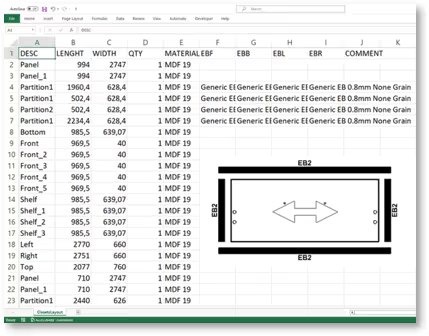 Eficad SWOOD Report production reporting software
 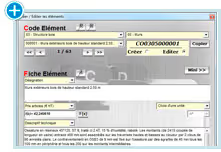 Adoc DeviX Quotation Software
  Eficad SWOOD CAD/CAM wood software for SOLIDWORKS
 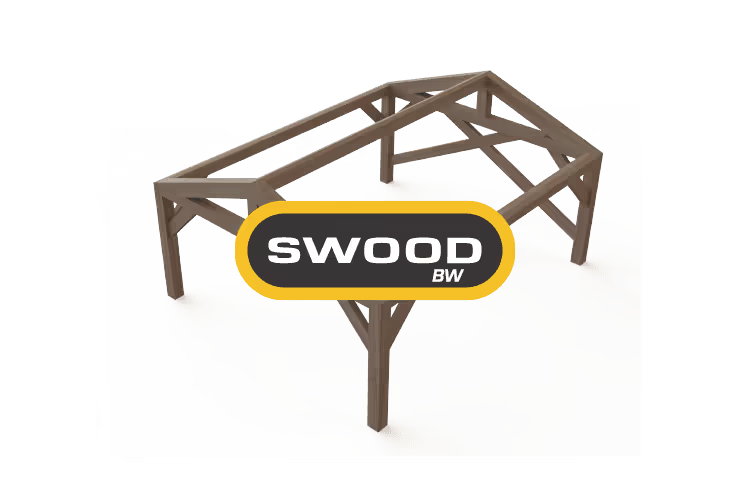 Eficad SWOOD BW timber frame and wall CAD/CAM software
 Cadwork cadwork C-Faster structural analysis software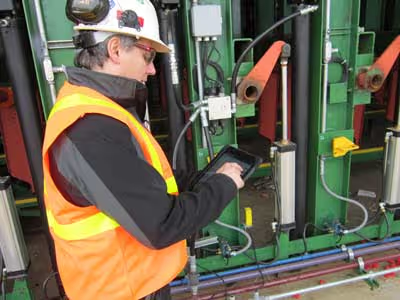
 Usnr “WinTally” for softwood sawmills, USNR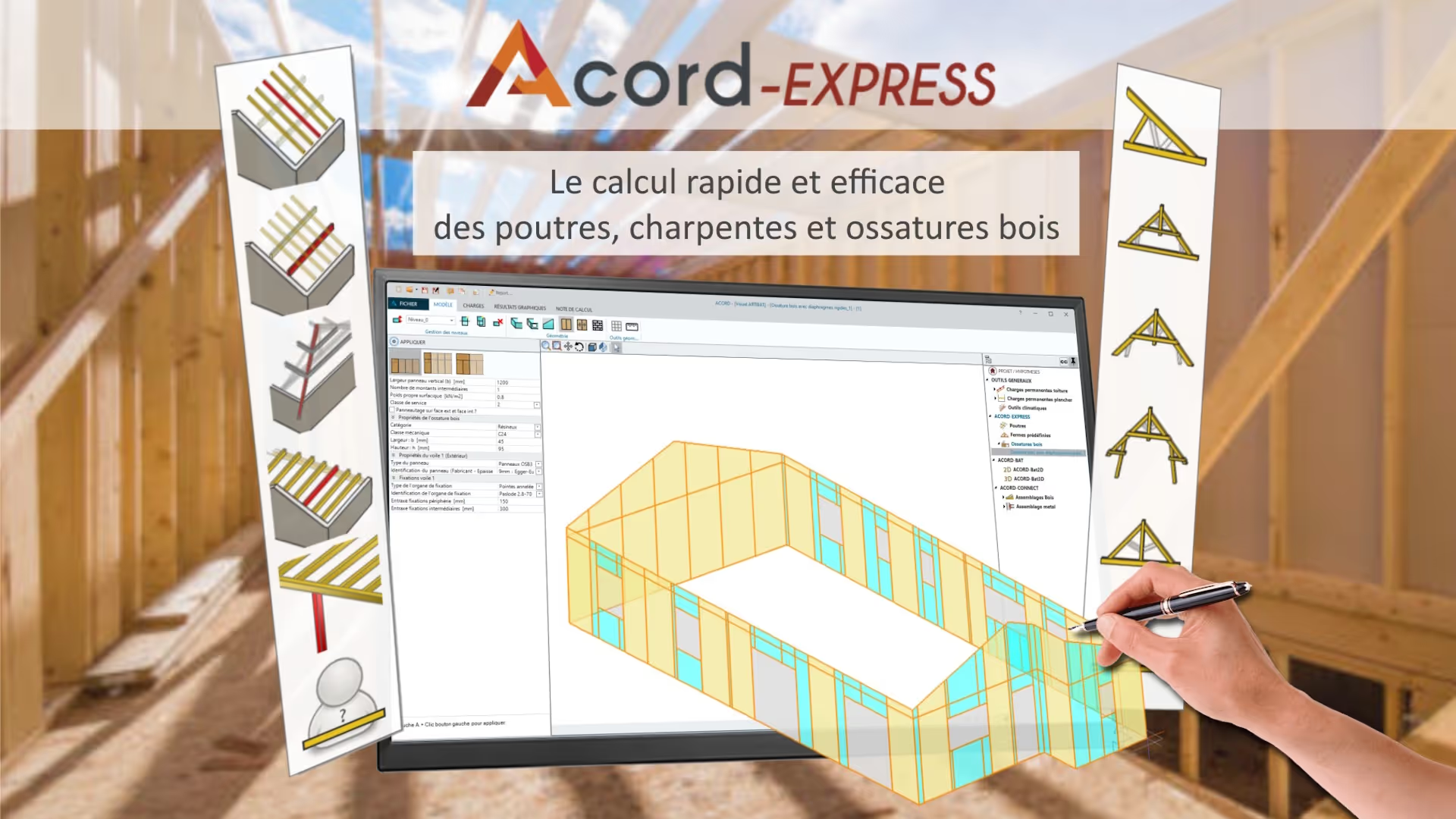
 itech-soft ACORD-EXPRESS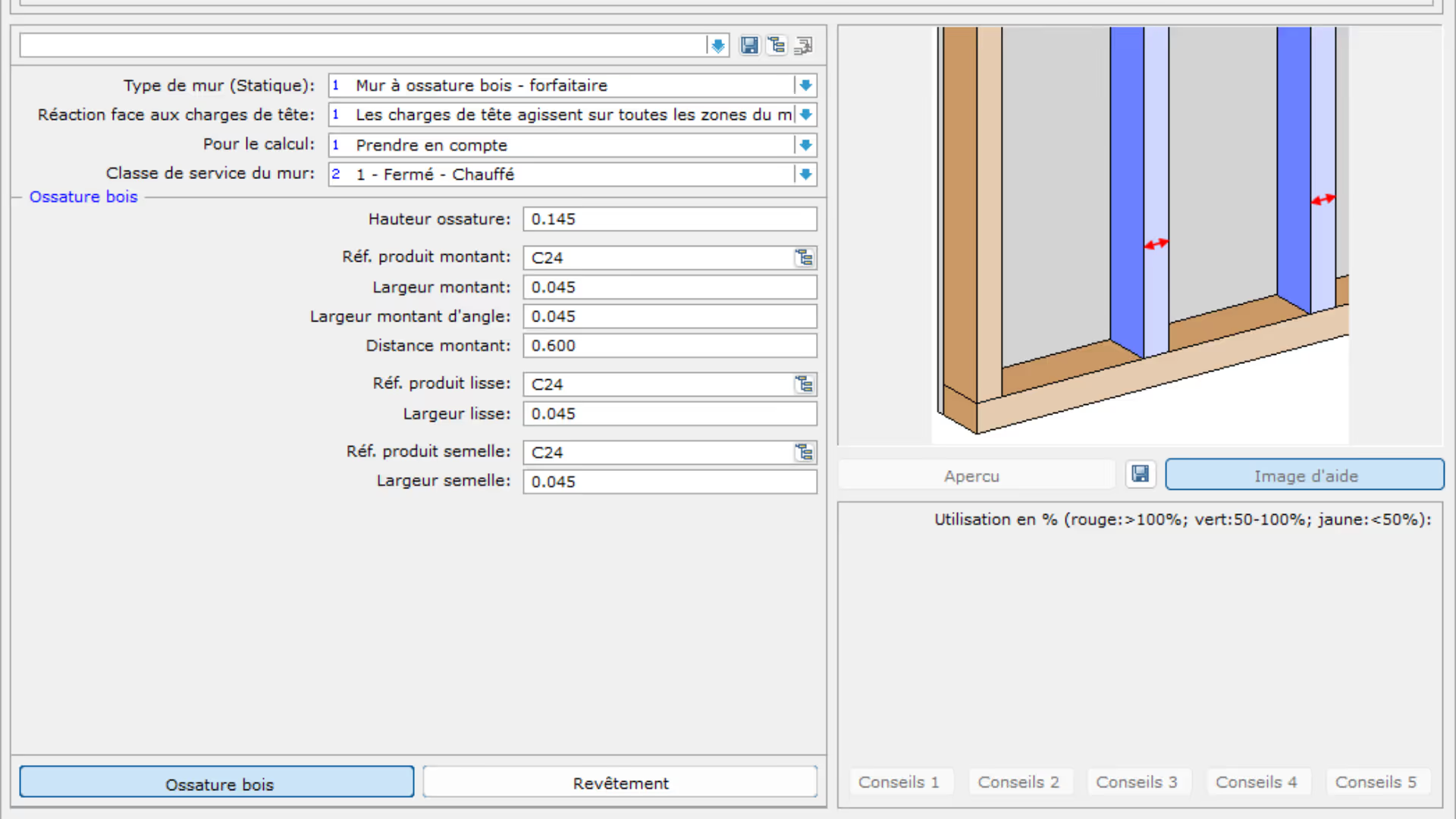
 Dietrich’s Technology France Statik Horizontal Pro
 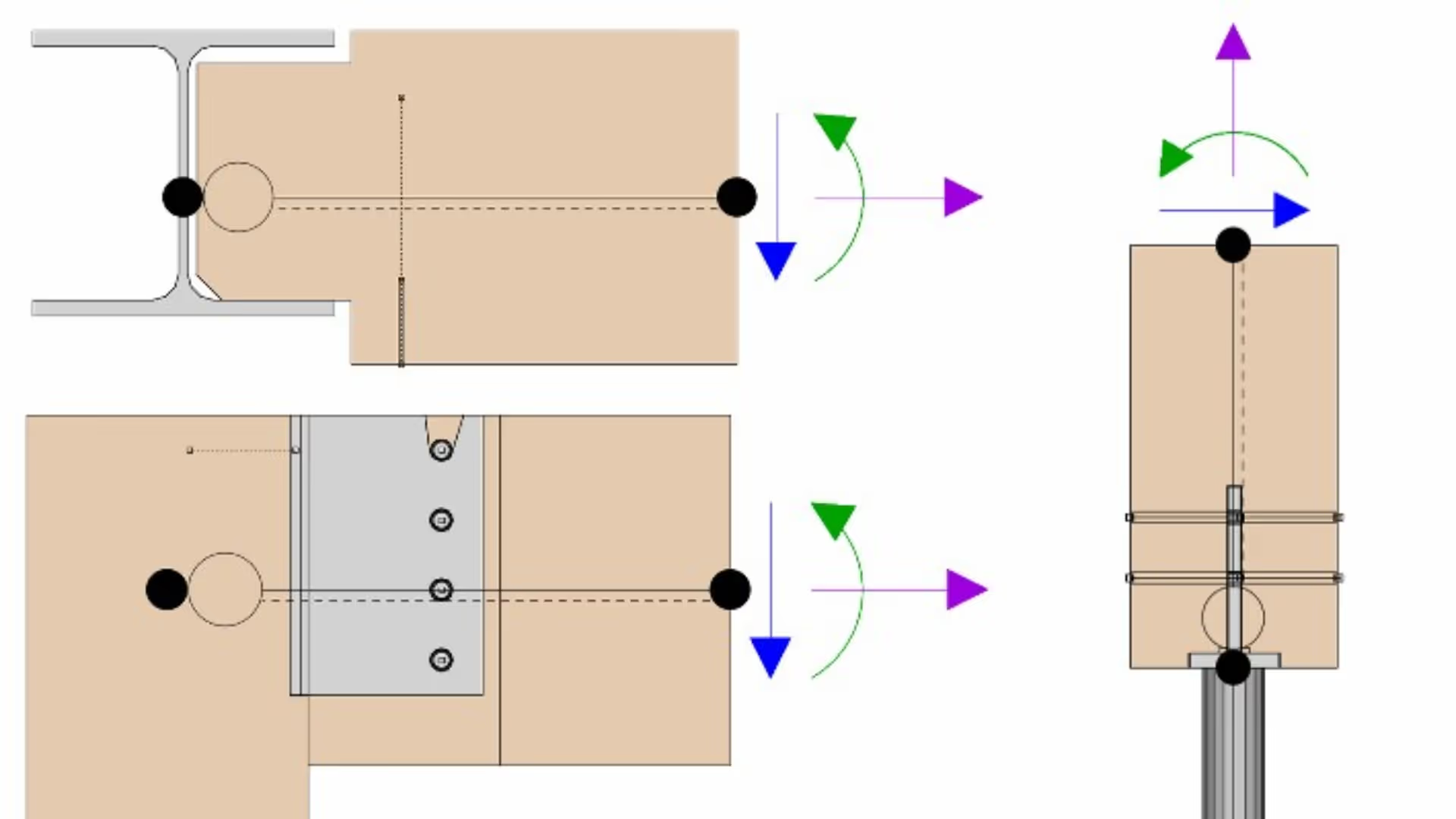 Dietrich’s Technology France DC-Statik Premium / Design of Traditional Roof Structures with Structure and Connection Modules
 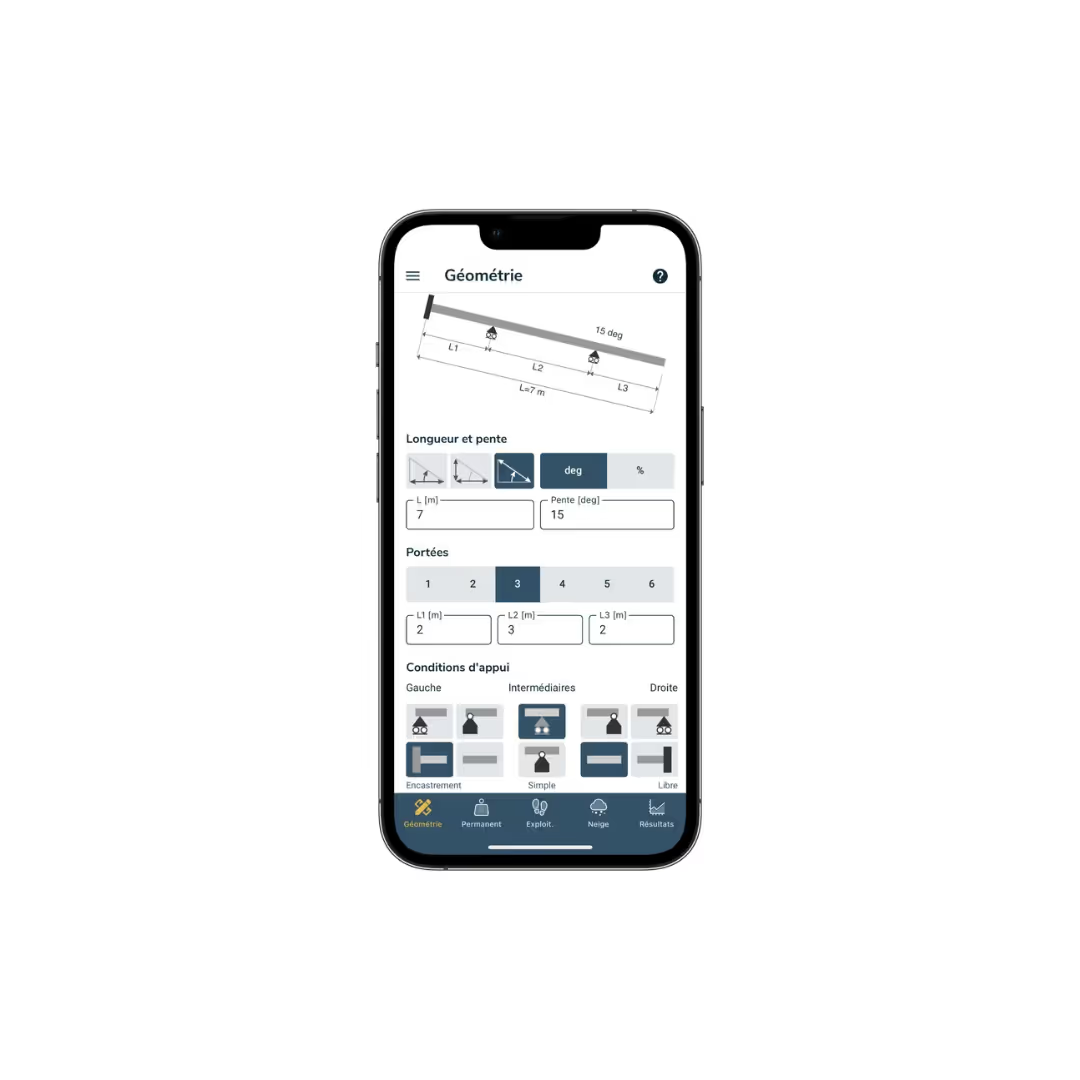 itech-soft ACORD MOBILE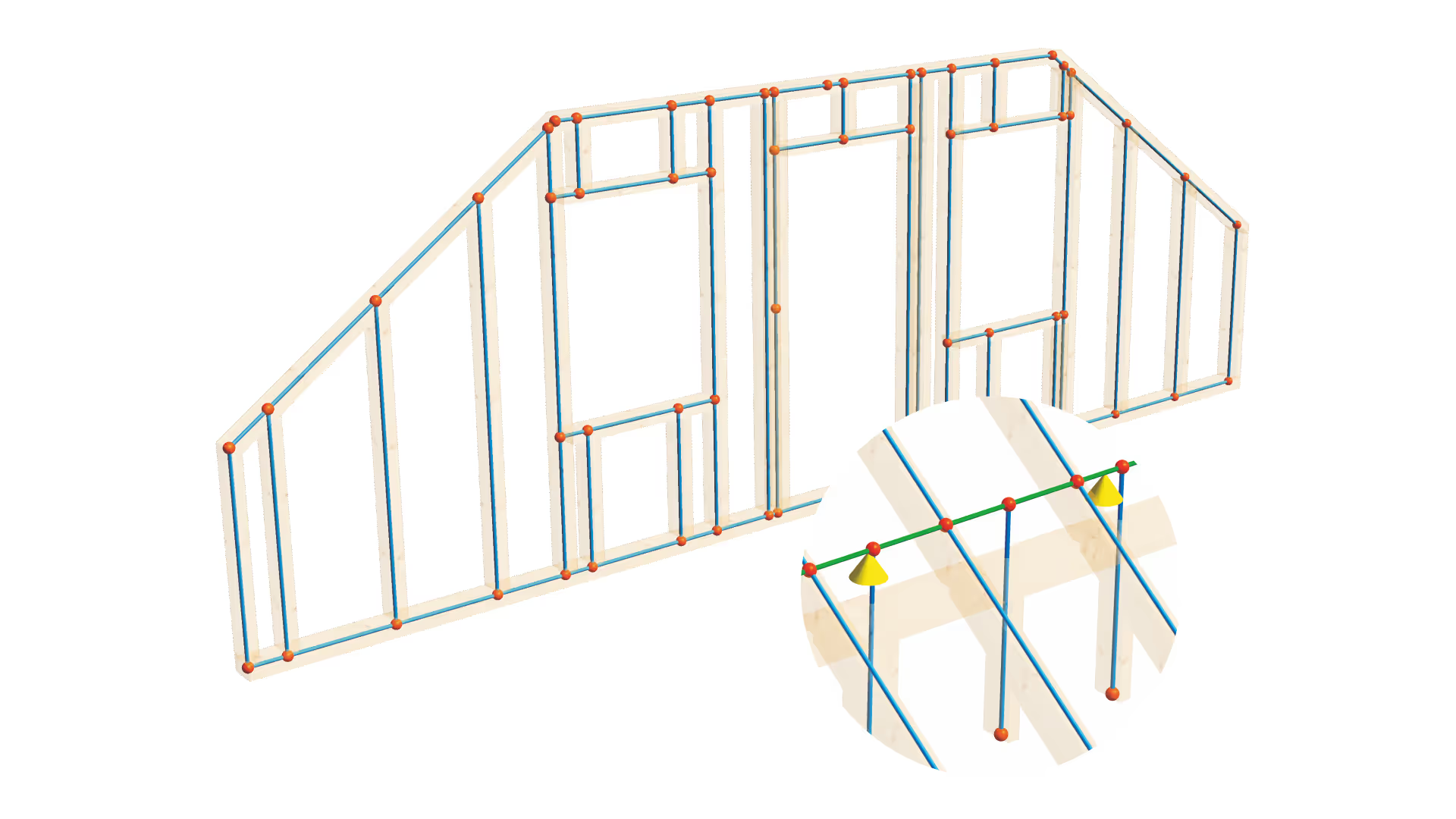
 Sema SEMA 3D Structural Model Bars and Nodes Module
 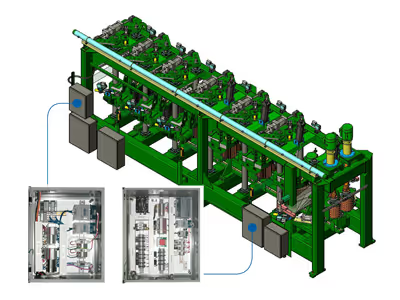 Usnr USNR factory-built control wiring for sawmills
 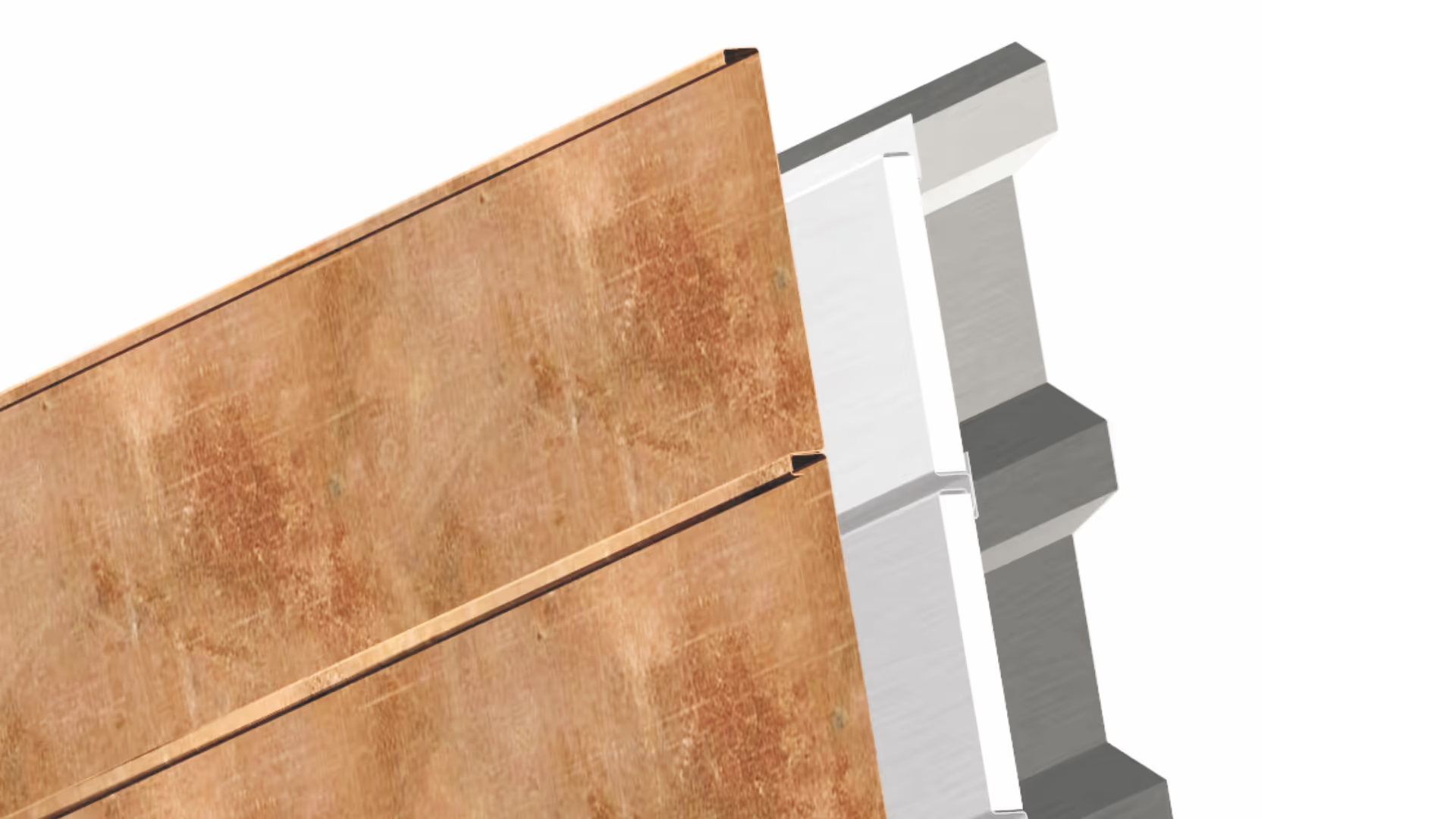 Sema SEMA Roofing Sheet Metal Facade Bendex Export Module
 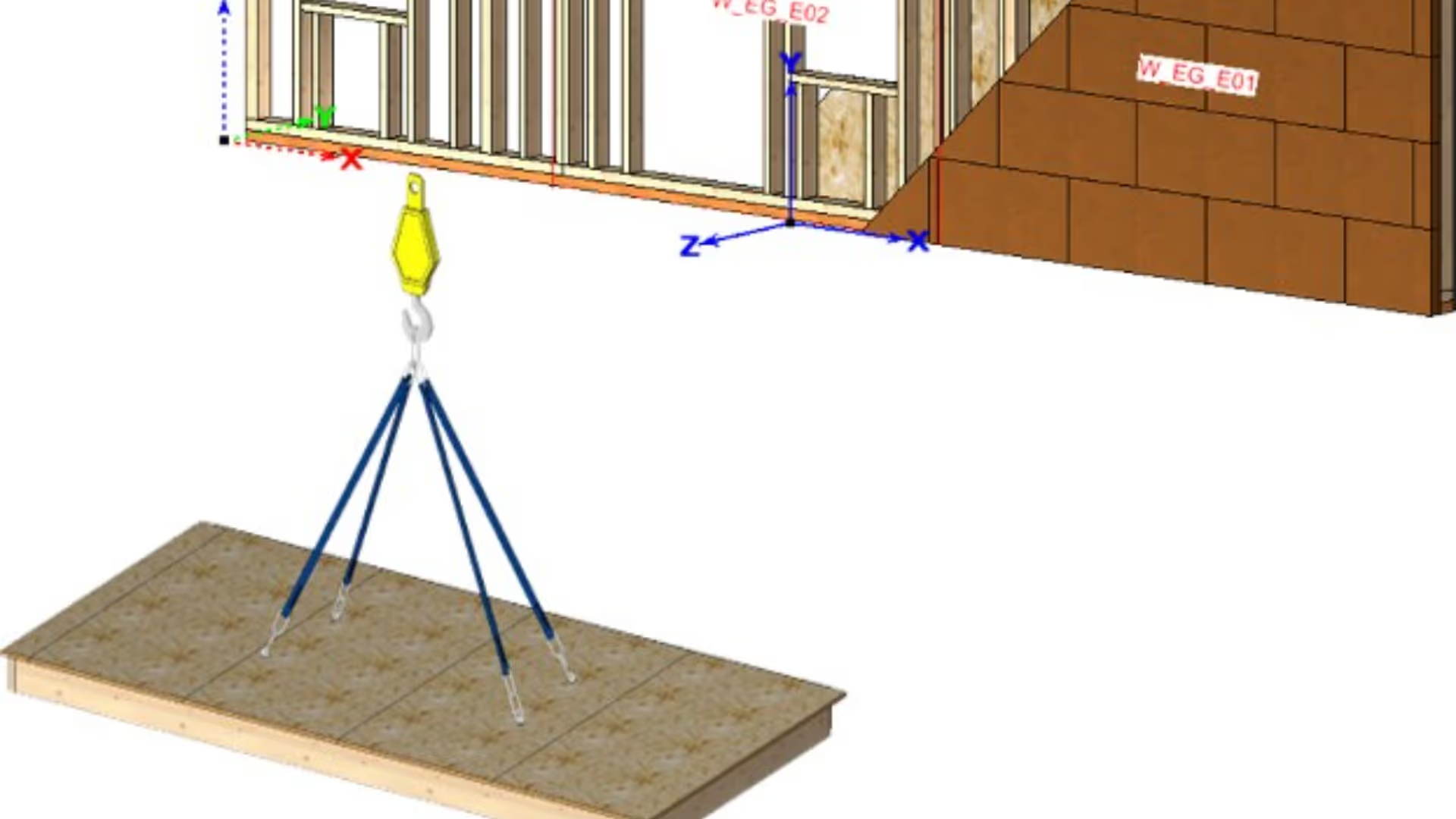 Dietrich’s Technology France D-CAD Premium / For an industrial process
  Usnr USNR “MyMill” mobile mill control
 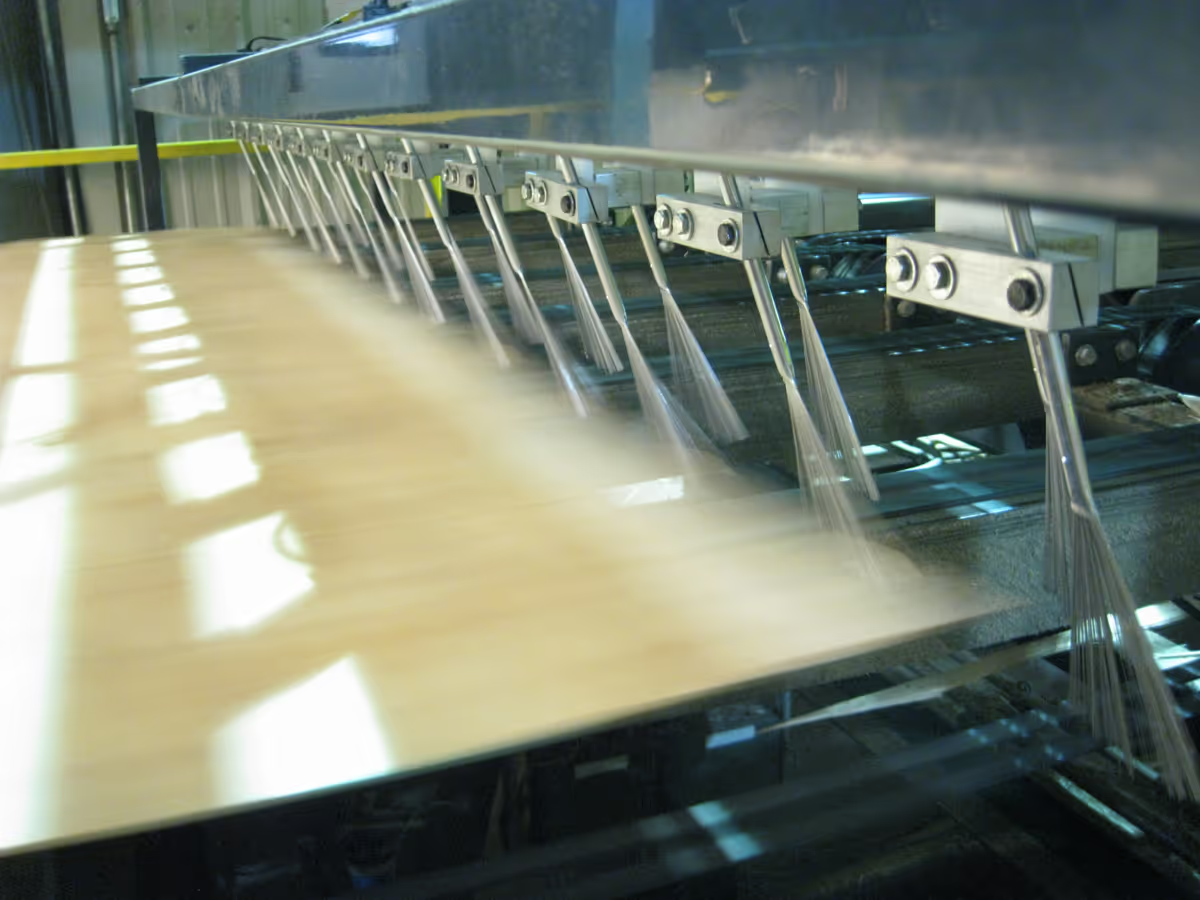 Usnr Kiln moisture control system
 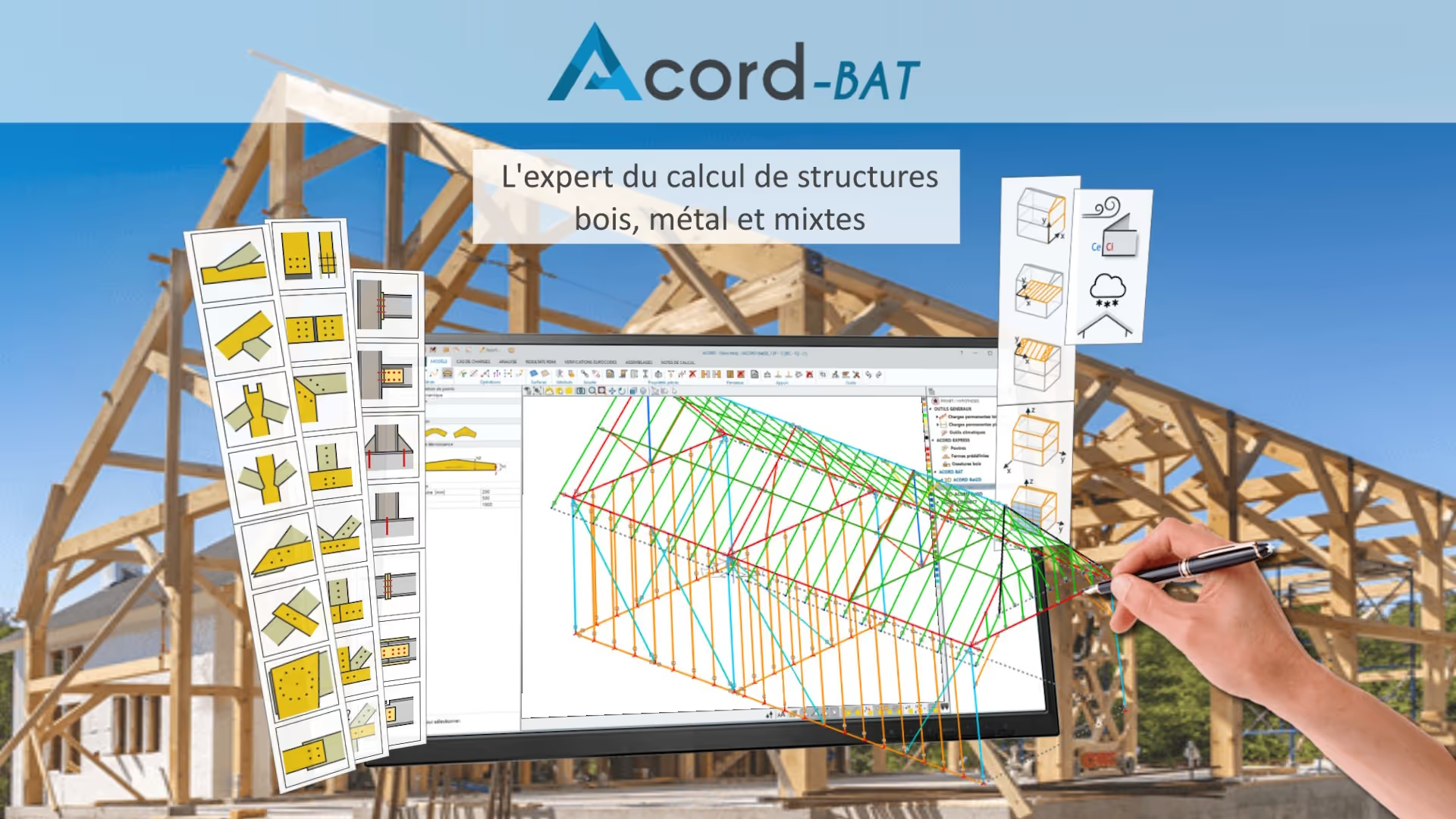 itech-soft ACORD-BAT
 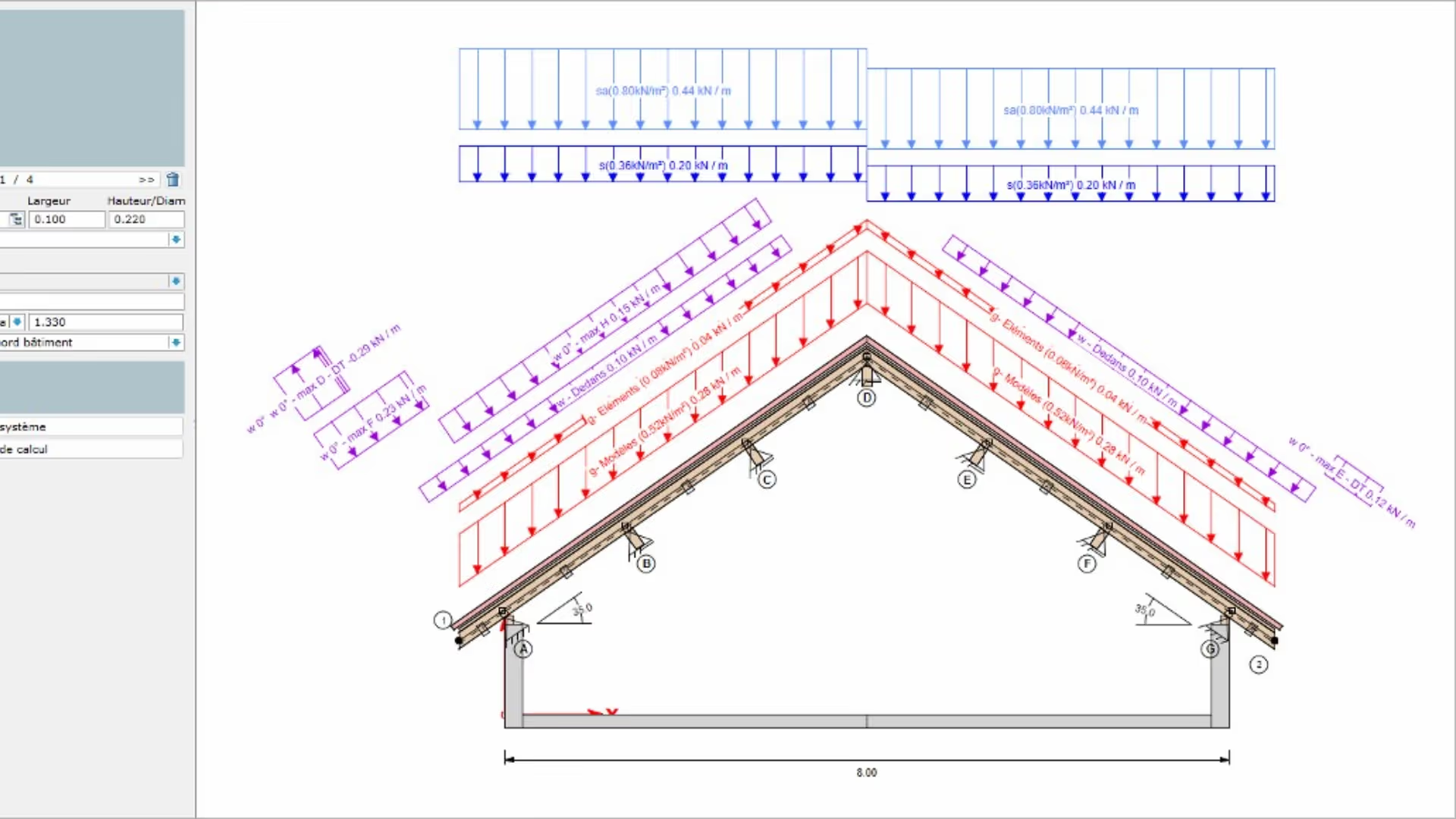 Dietrich’s Technology France DC-Statik Basic / Design of Floor, Roof and Post Members
 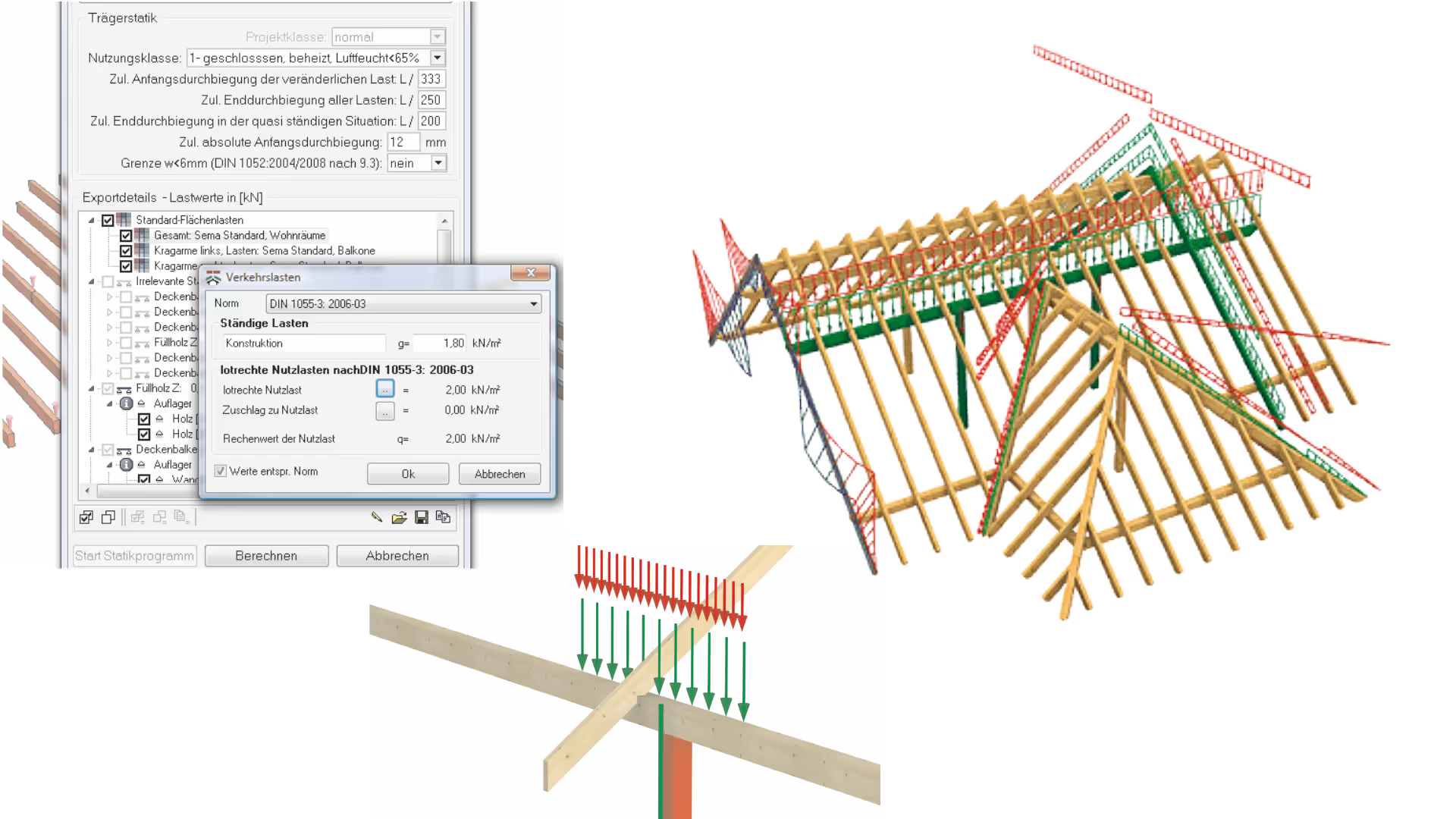 Sema SEMA Load Calculation Interface Module
 3E France 3E LOOK joinery ERP software
 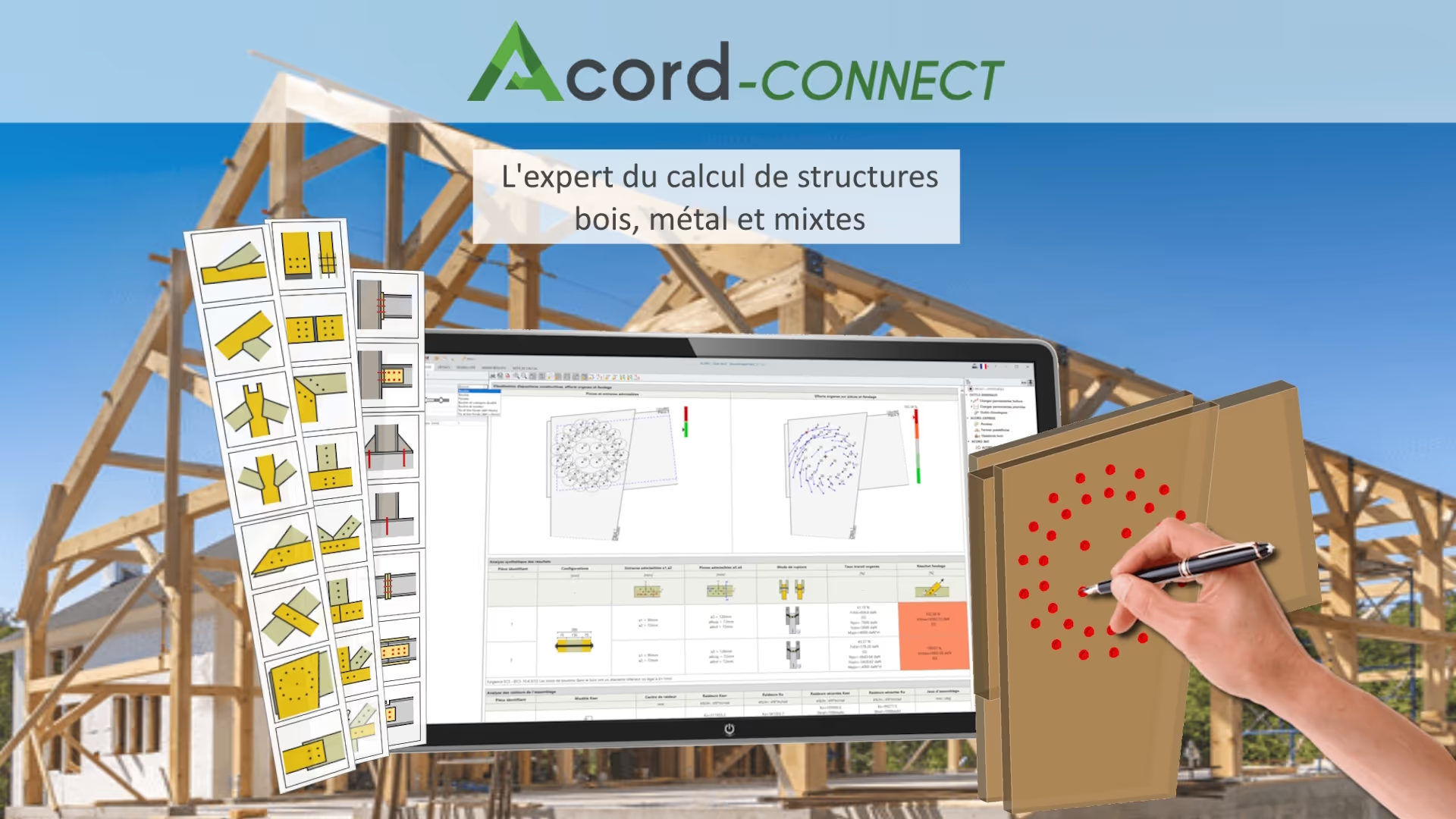 itech-soft ACORD-CONNECT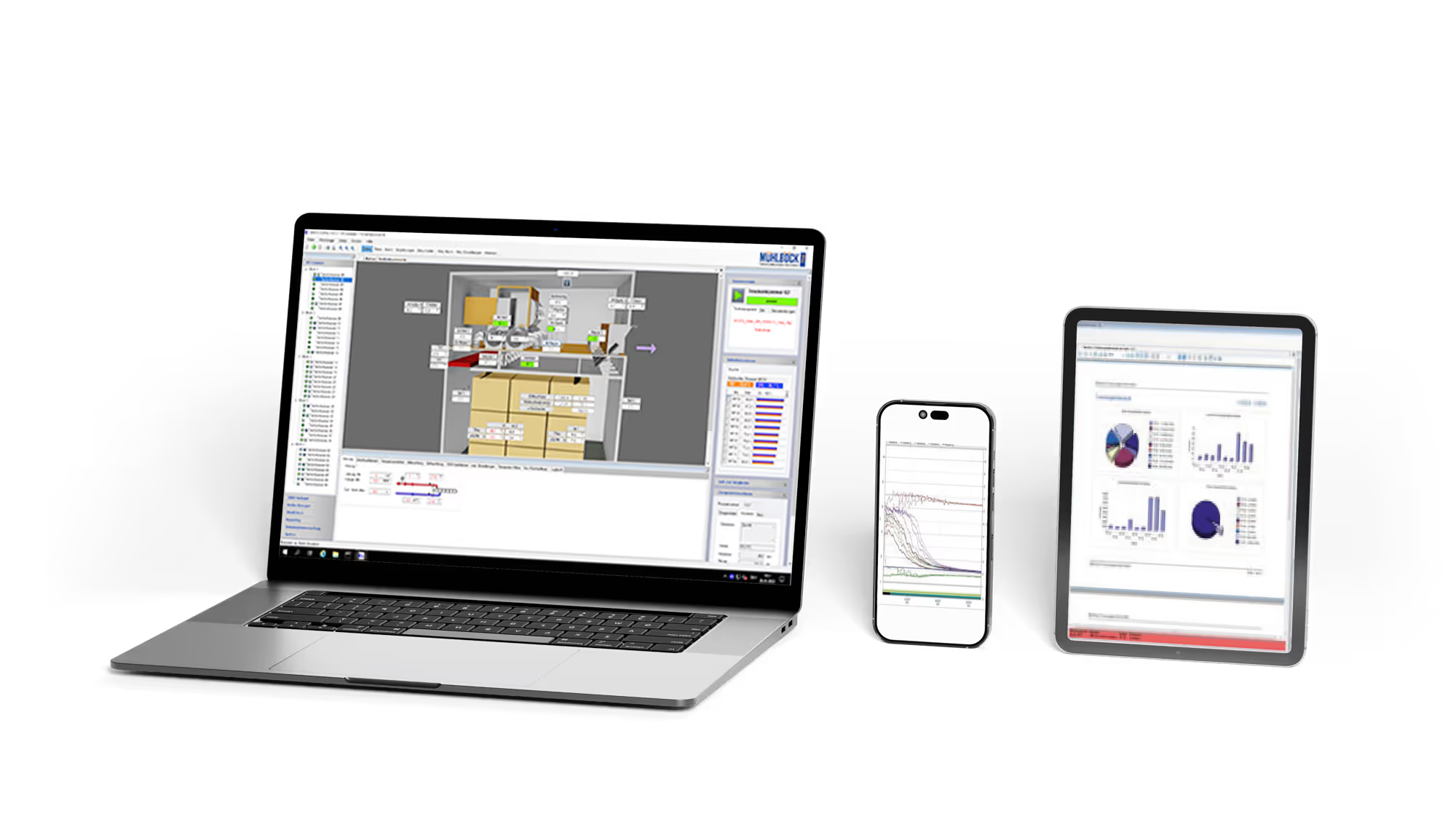
 Mühlböck Mühlböck K5 drying management software
  Cadwork cadwork Opticargo load optimisation software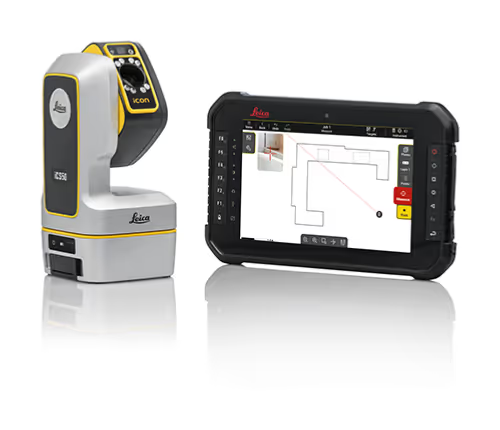
 Praxi Leica iCON Trades digital template software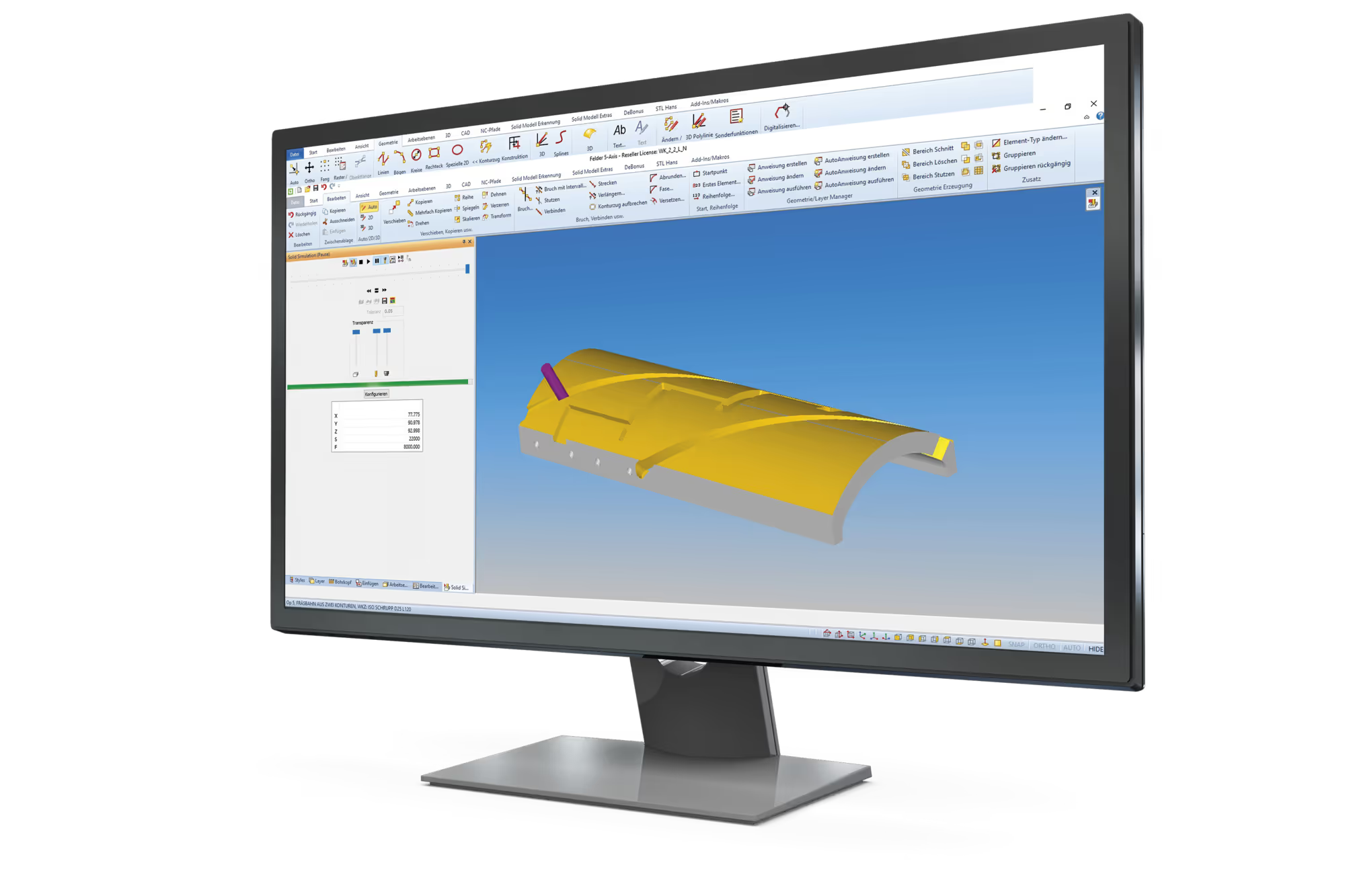
 Felder Group Format4 F4Solid software
 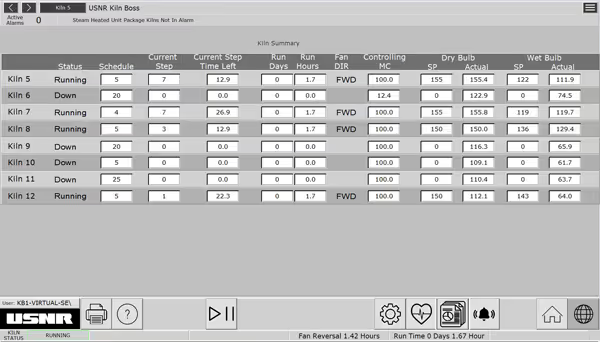 Usnr USNR “Kiln Boss” control
  Cadwork cadwork Machine CNC machine export module
  3E France 3E LOOK MOBILE: the joinery application
  3E France 3E LOOK WEB-SALES: process digitalisation software between manufacturers and dealers
 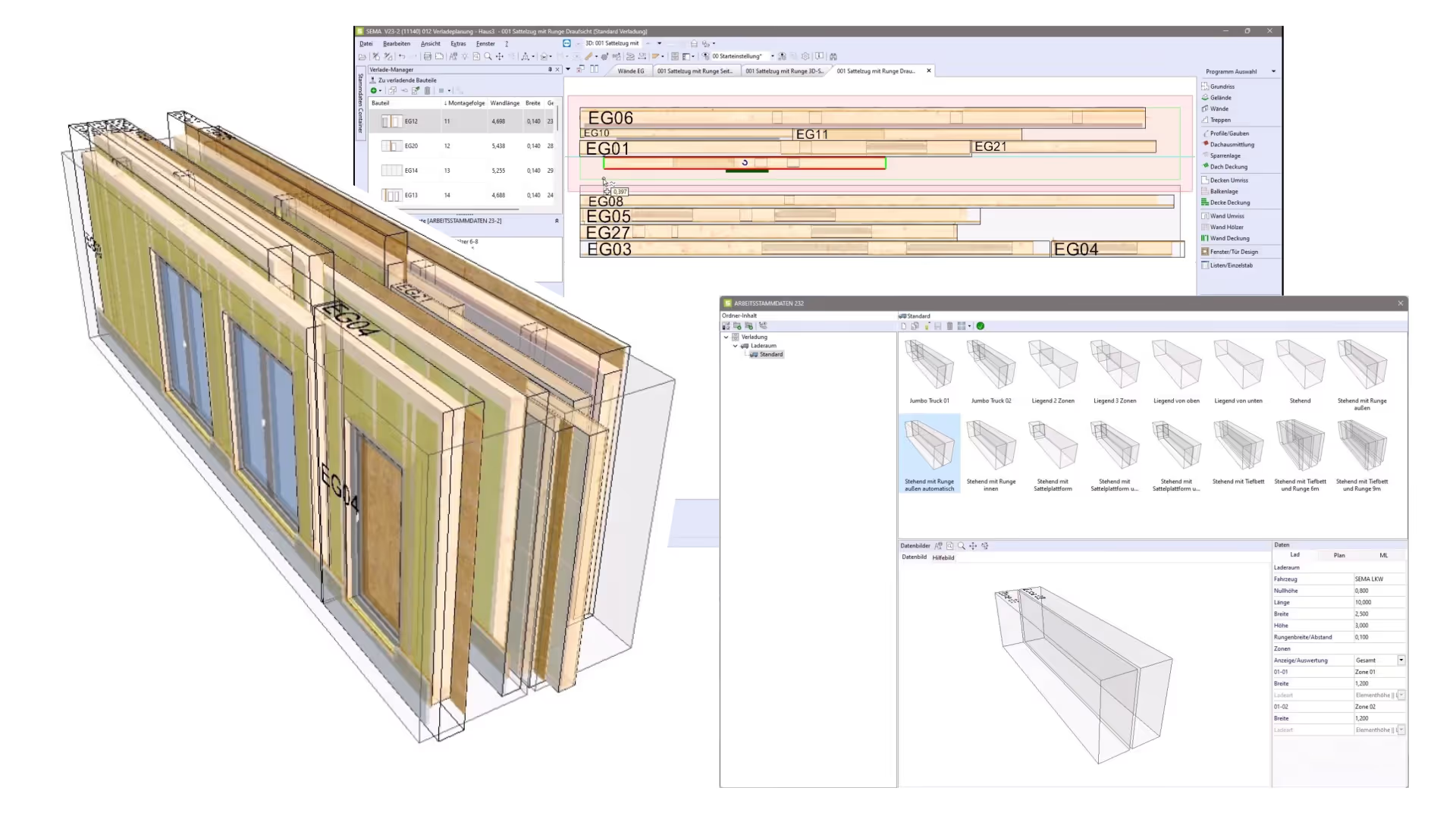 Sema SEMA Load Planning Module
 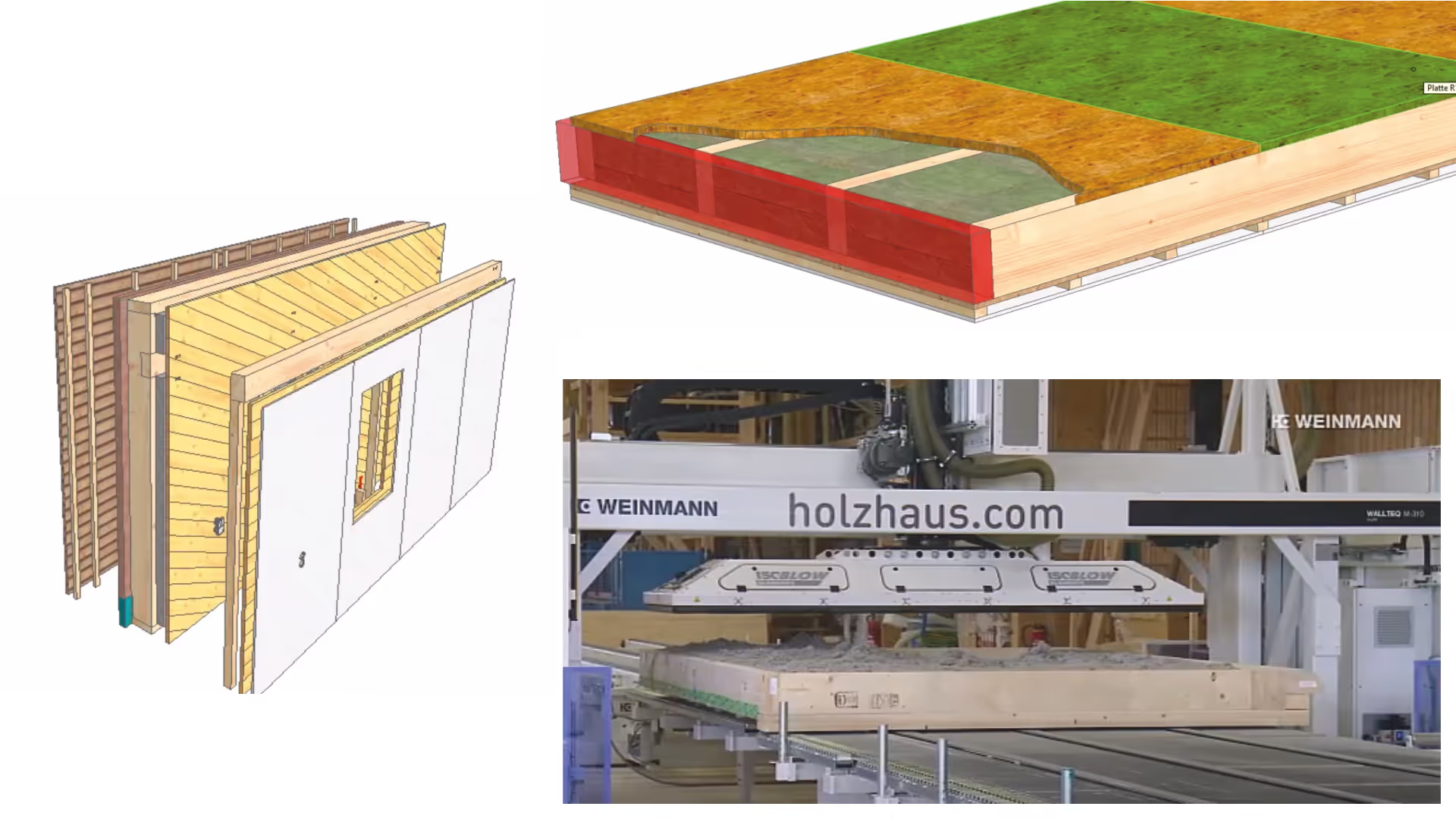 Sema SEMA Assembly Line Control Module Usnr USNR "WinTally" for softwood sawmill 2
  Felder Group Format4 F4Guide software
 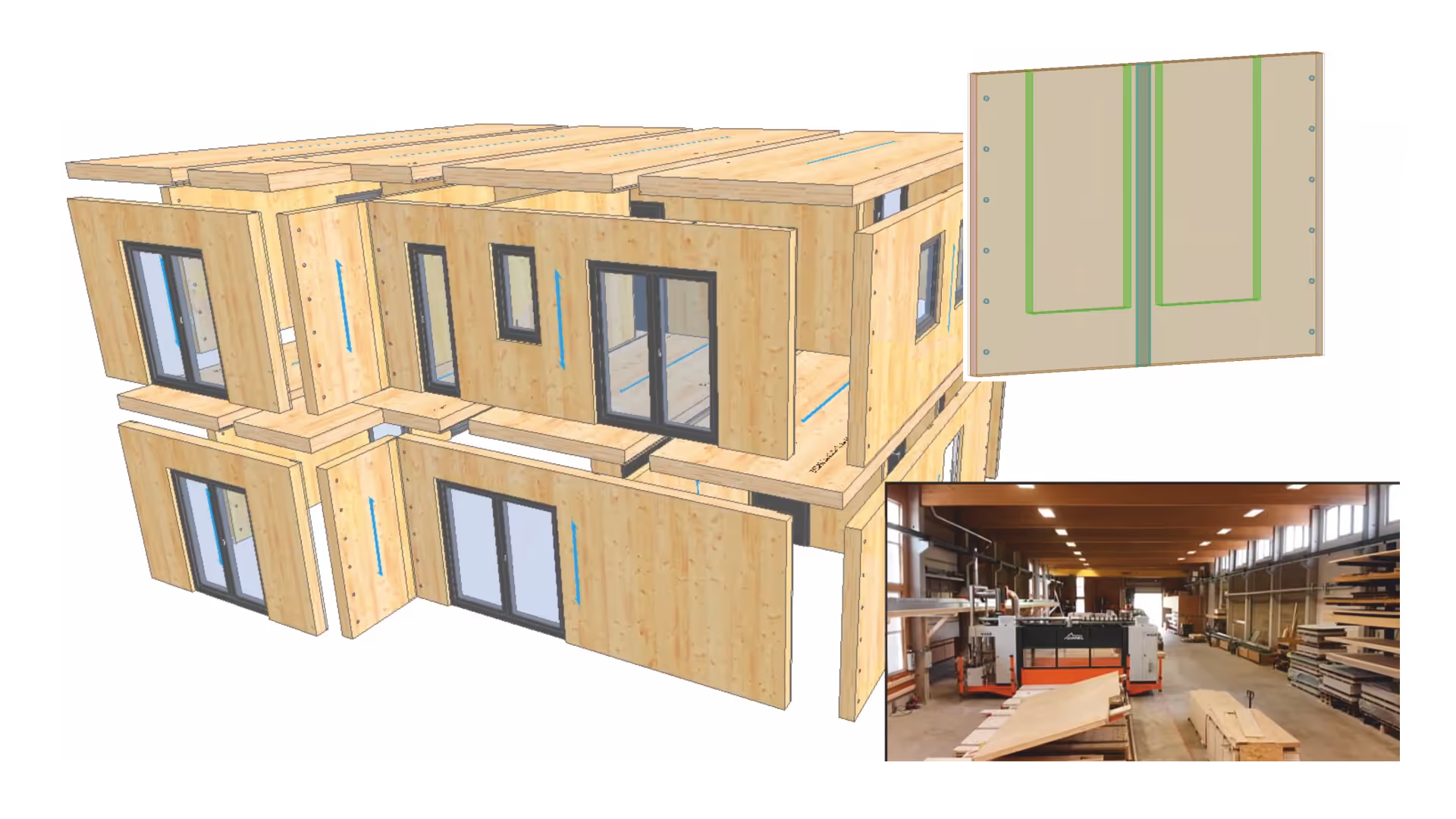 Sema SEMA CNC Control Module for Timber and Panels Usnr USNR factory-built control wiring
 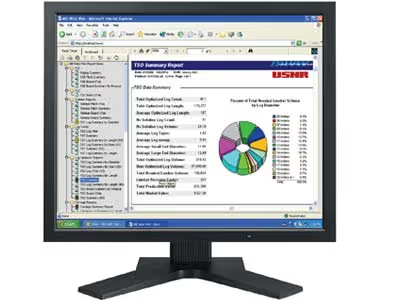 Usnr USNR “Millwide Web” system
 42 of 189 products
WoodPartners brings together software to design timber projects, verify structures, prepare manufacturing and manage a business. They are aimed at joiners, interior fitters, carpenters, design offices and sawmills.
Some tools meet a specific need, such as producing a quote. Others cover several stages. The catalog also includes industrial measurement and monitoring systems.
To design a structure, design software (CAD, BIM) produces drawings and models, and structural calculation software checks the strength of load-bearing elements. CAD makes 2D or 3D drafting easier, while BIM links data to the digital model.
Calculations cover beams, floors and roof frames in particular. Compare the structures studied, the loads taken into account and the calculation documents provided.
To prepare cutting and machining, cutting optimization software organizes cutting patterns, while manufacturing software (CAM, CAD/CAM) prepares machine programs. The former helps make better use of panels and sawn timber.
CAM is used in particular on CNC machines. The catalog also includes industrial control and monitoring tools. Check their compatibility.
Management software (ERP, quoting) helps estimate projects, track orders and organize work. Some also manage purchasing, inventory or production.
An ERP (enterprise resource planning system) brings together several business functions. A quoting tool or a configurator meets a targeted need. Compare the features offered.
To choose software, start from your trade, the operations to be carried out and the tools already used. Needs vary between design offices, joinery shops and sawmills.
Pay attention to the accepted file formats, data exchanges and compatibility with your machines. Also take into account the language and operating system. Check compatibility with the supplier.
On WoodPartners, use filters by trade or software type, consult the product sheets and contact listed suppliers via messaging. Also refine by company, language or operating system.
Compare the characteristics and specify your activity, your equipment and the functions you are looking for when you get in touch.
Your privacy
We use trackers to measure site audience and improve your experience. You can decline without changing anything about your browsing. See our privacy policy